





WORLDWIDE SHIPPING
Check eligibility and delivery details

RETURNS INFORMATION
Review the current return terms

CUSTOMER SUPPORT
Contact our team for product and order help

SECURE CHECKOUT
Protected payment and checkout options
Shop Rugged Tablets by Brand
Ulefone | Blackview | OUKITEL | FOSSiBOT | AGM | Cubot | 8849 | HOTWAV | UNIWA | CONQUEST
Brand pages group current tablet listings, but the exact size, protection, cellular bands, Android version, battery and specialist features still need to be checked on each product page.
Thermal Rugged Tablets
Compare rugged Android tablets with integrated thermal imaging for electrical, mechanical, building and field inspection workflows on a larger screen.
Thermal Rugged Tablets — See Heat on a Larger Field Screen
Who it’s for: A thermal tablet is a strong choice for HVAC, electrical, mechanical and building teams that want a larger view for framing, notes and reports. It also makes it easier to review findings with a colleague on site.
Inspect, Annotate and Share Without Changing Devices
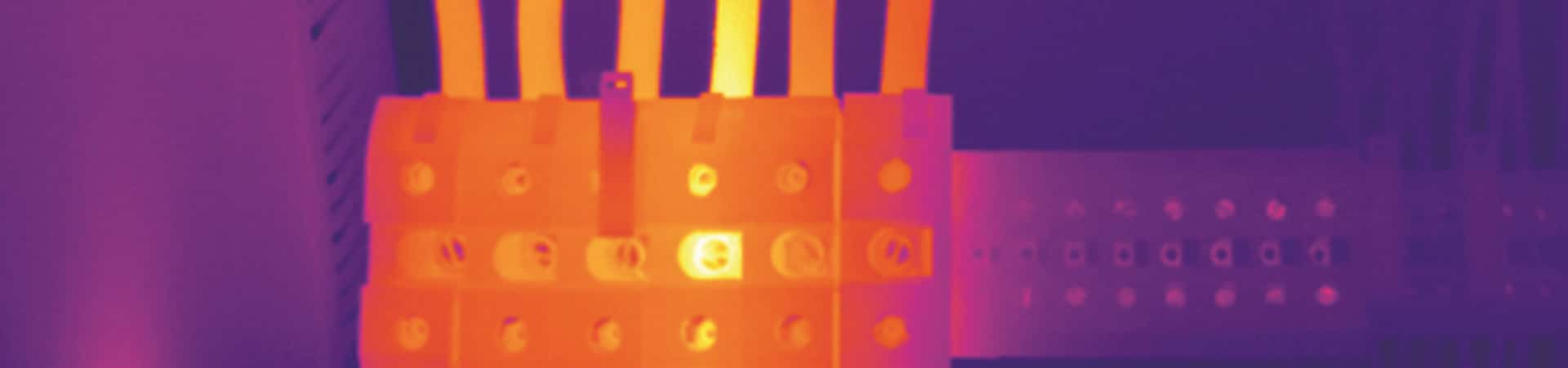
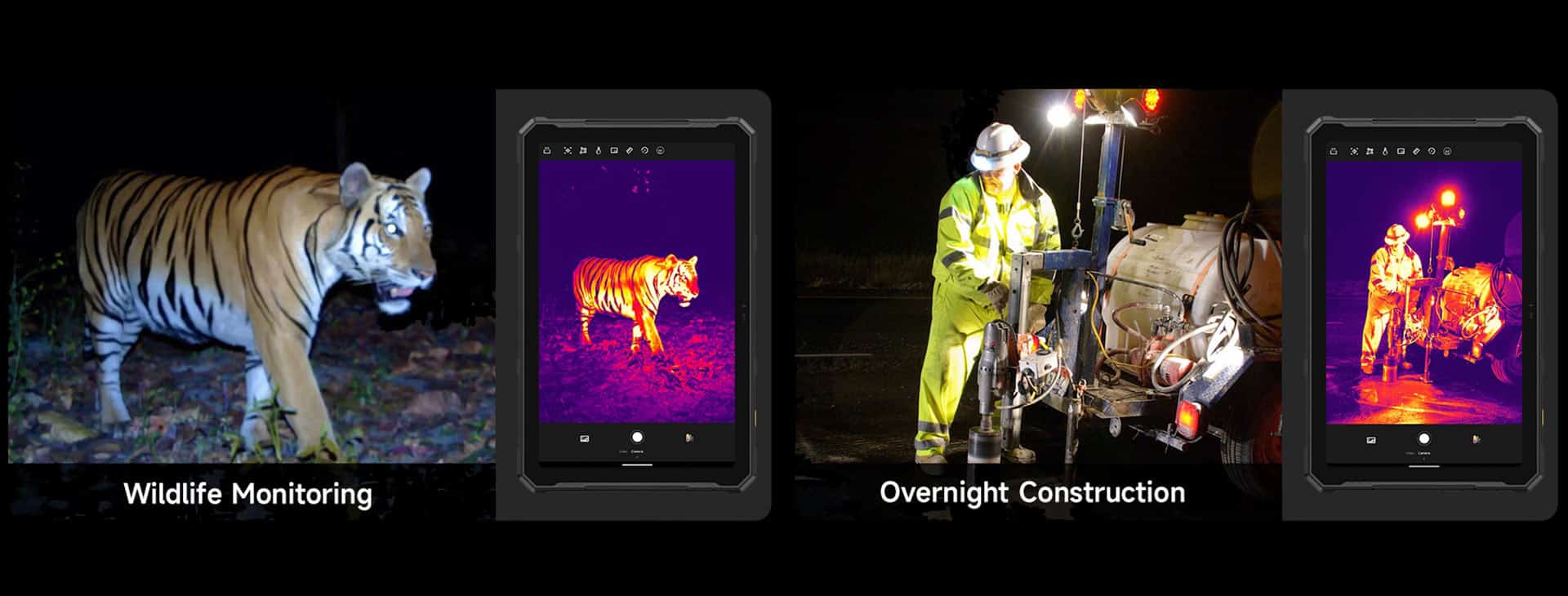
Thermal rugged tablets integrate an infrared detector into a durable Android tablet so users can view heat patterns, capture images and work with inspection apps on a larger screen. Typical tasks include electrical surveys, HVAC troubleshooting, mechanical checks, building-envelope review and locating temperature differences in equipment or structures.
A thermal camera does not see through walls and is not the same as a night-vision camera. It detects infrared energy from surfaces and converts it into an image. Measurement quality depends on the detector, calibration, target surface, distance and environment. Reflective surfaces are particularly difficult: FLIR’s official emissivity explanation shows why identical-temperature surfaces can appear different.
Integrated Thermal Tablets Available at RuggedZone
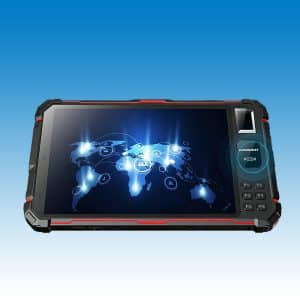
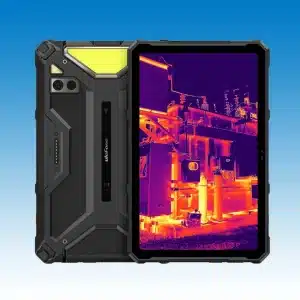
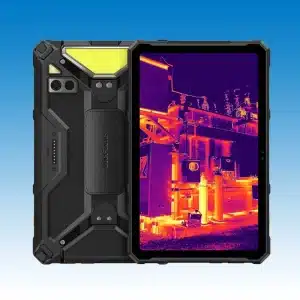
This focused collection currently contains two qualifying tablet families: Ulefone Armor Pad 4 Ultra Thermal and CONQUEST S22. The Ulefone listing specifies a 160 × 120 thermal detector. CONQUEST S22 is sold in configurable variants, so buyers must confirm that the selected unit includes the thermal-imaging option rather than relying on the family name alone.
- Detector: compare true thermal resolution, pixel pitch, sensitivity and refresh rate.
- Measurement: check temperature range, accuracy statement, spot/area tools and adjustable emissivity.
- Workflow: review palettes, image storage, annotations, export and report-app compatibility.
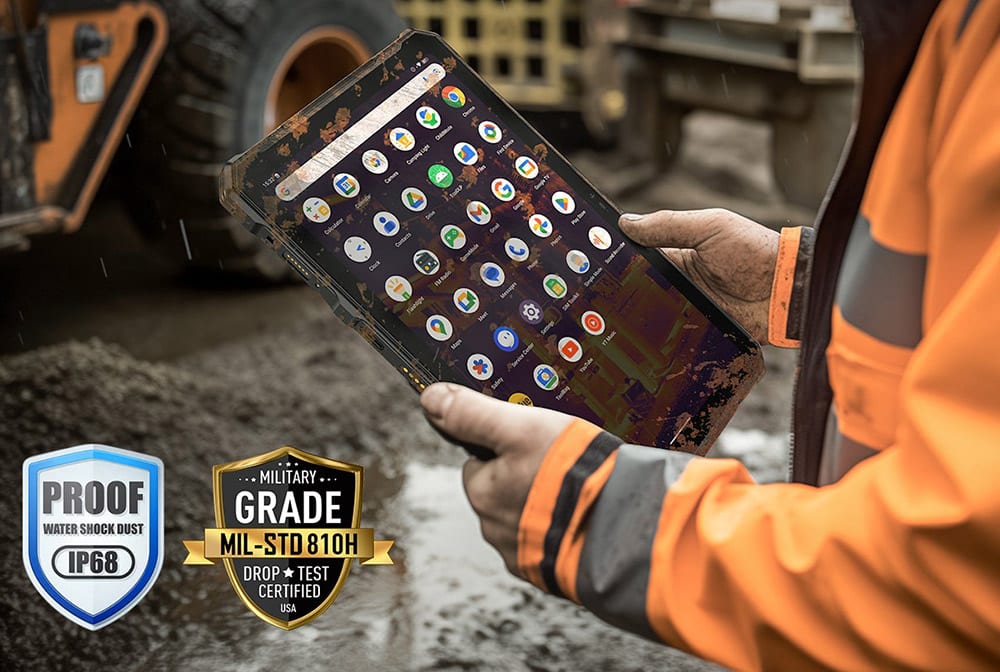
- Tablet hardware: verify screen, 5G/LTE bands, battery, charging, IP rating, drop claims, dimensions and weight.
How to Choose a Thermal Rugged Tablet
Thermal Specifications That Matter
Detector Resolution and Thermal Sensitivity
Thermal detector resolution is separate from the visible display or normal camera resolution. More detector pixels can reveal smaller details or support inspection from farther away. Thermal sensitivity, often stated as NETD, describes the ability to distinguish small temperature differences; a lower stated value is generally more sensitive when test conditions are comparable.
Refresh Rate, Range and Accuracy
Refresh rate affects how smoothly moving subjects or a scanning motion appear. Temperature range tells you which targets can be measured, while the accuracy specification defines the stated tolerance under specified conditions. A wide range does not automatically mean better detail or better accuracy.
Emissivity, Reflections and Distance
Shiny metal can reflect surrounding infrared energy and produce misleading readings. Emissivity, reflected temperature, distance, atmosphere and viewing angle may all affect measurements. Use the product’s workflow and suitable reference methods when temperature decisions matter.
Choose a Thermal Tablet for the Inspection
- Electrical work: prioritize sensitivity, usable palettes and safe inspection procedures; thermal imaging does not replace electrical isolation or PPE.
- HVAC and buildings: compare field of view, detector detail, measurement tools and reporting needs. Confirm findings with appropriate inspection methods.
- Mechanical maintenance: look for repeatable image capture, annotations and storage suitable for trend comparisons.
- Remote field teams: assess 5G/LTE bands, battery, screen brightness, glove handling and protection in addition to the thermal system.
Choose for the Inspection and Reporting Workflow
- Confirm the exact variant includes the thermal detector.
- Verify detector resolution, sensitivity, refresh rate, temperature range and stated accuracy.
- Check whether images are radiometric and what export or reporting tools are available.
- Confirm carrier bands, battery, charging, IP/drop claims, dimensions and weight.
- Use appropriate safety procedures and a calibrated instrument when regulations or critical decisions require one.
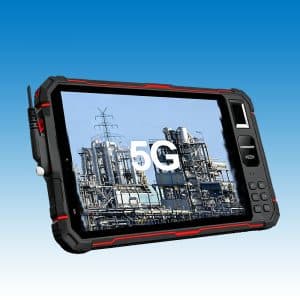
Representative tablets: Ulefone Armor Pad 4 Ultra Thermal Tablet | CONQUEST S22 5G Thermal Imaging Rugged Tablet Android 11.
See Thermal Findings Clearly and Share Them on Site
We place thermal-equipped rugged tablets together for buyers who want a larger live image and more room for annotations or reporting. Detector detail stays central, while screen, connectivity and battery show how the tablet will fit a full workday.
Choose the larger format when collaboration and documentation matter. If one-handed pocket use is more important, compare our thermal rugged phones before deciding.
Thermal Rugged Tablets for Field Inspection FAQs
It is a ruggedized tablet with an integrated infrared detector that displays heat patterns and, when supported, measures surface temperatures while running Android field apps.
No. Thermal imaging detects infrared energy related to surface temperature. Night vision usually amplifies available light or uses infrared illumination to form a visible-style image.
No. It normally shows infrared energy from the visible surface. It may reveal patterns associated with hidden conditions, but interpretation requires context and confirmation.
Compare the detector’s native thermal pixel resolution, not the tablet display or normal camera megapixels. Required detail depends on target size and working distance.
NETD is a thermal-sensitivity measure. A lower stated NETD generally indicates the detector can distinguish smaller temperature differences when test conditions are comparable.
Different surfaces emit and reflect infrared energy differently. An incorrect emissivity setting, especially on shiny metal, can make temperature readings misleading.
Do not assume so. These products are field devices, not medical diagnostic instruments unless the exact model has the required medical approval and intended use.
Not always. Radiometric files retain measurement data for analysis, while a screenshot may only preserve colors. Check the model, app and export format.
5G does not improve detector resolution, but it can help upload images, synchronize work orders or support remote review when bands and coverage are compatible.
Choose a tablet when a larger live image, easier annotation or shared on-site viewing matters. Choose a phone when pocketability and quick one-handed checks matter more.
Favor a model that lets you save clear thermal and visible images, add notes and move files into your normal reporting app. The larger screen is especially useful when naming assets or reviewing a finding with a teammate.
Consistent palettes, adjustable emissivity, spot or area measurements and radiometric files can make trend checks easier. Use the same viewing angle and distance whenever practical so images are easier to compare.
Need Help Choosing a Rugged Tablet?
Tell our team where the tablet will be used, which apps must run and whether it will be carried, mounted or shared. We can help you narrow the screen size, connectivity and specialist features without making you decode every specification alone.
- Share your country and carrier when cellular data matters.
- List any scanner, NFC, stylus, dock or vehicle-mount requirement.
- For team orders, tell us the normal shift length and charging routine.