






WORLDWIDE SHIPPING
Check eligibility and delivery details

RETURNS INFORMATION
Review the current return terms

CUSTOMER SUPPORT
Contact our team for product and order help

SECURE CHECKOUT
Protected payment and checkout options
Shop Rugged Tablets by Brand
Ulefone | Blackview | OUKITEL | FOSSiBOT | AGM | Cubot | 8849 | HOTWAV | UNIWA | CONQUEST
Brand pages group current tablet listings, but the exact size, protection, cellular bands, Android version, battery and specialist features still need to be checked on each product page.
Rugged Tablets for Work and Field Use
Compare durable Android tablets for construction, logistics, field service, vehicles and outdoor work by protection, screen, battery, connectivity and size.
Rugged Tablets — A Bigger, Tougher Workspace Wherever You Work
Who it’s for: Construction teams, drivers, warehouse staff, surveyors and outdoor users choose rugged tablets when a phone screen feels cramped. Start with screen size and carry style, then add the connectivity and specialist tools your job needs.
Rugged tablets are portable touchscreen computers designed for work and outdoor environments where ordinary consumer tablets may be exposed to water, dust, vibration, drops or temperature changes. They combine a larger Android workspace with reinforced enclosures, sealed ports and field-oriented batteries, cameras, GNSS, NFC or expansion options.
Rugged tablets come in different levels of field protection. We make the stated IP code, drop information, operating range and port design easier to compare so you can choose for the places your tablet will actually go. The IEC 60529 standard defines IP enclosure protection classifications; see the official IEC 60529 reference. For models described as military-grade, the available test method and conditions add useful context to the reinforced design.
Take Maps, Forms and Field Apps Beyond the Office
This collection includes compact 8-inch field tablets, balanced 10-inch models and larger 11-inch workspaces. Available features vary by product and can include 4G or 5G cellular data, dual SIM or eSIM, front NFC readers, barcode scanning, thermal imaging, night vision, projectors, large batteries and accessory connectors.
- Durability: verify the full IP rating, tested drop height, test surface and operating-temperature claim.
- Display: compare size, resolution, brightness, refresh rate, wet/glove behavior and stylus support.
- Mobility: check dimensions, weight, handle, kickstand, vehicle mount and charging dock compatibility.
- Connectivity: confirm exact LTE/5G bands, SIM type, Wi-Fi, Bluetooth, GNSS, NFC and physical ports.
- Shift endurance: compare battery capacity with charging watts, expected workload and device weight.
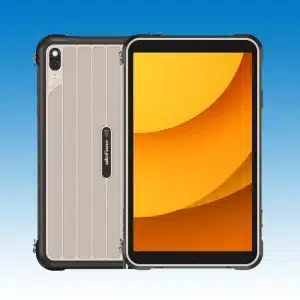
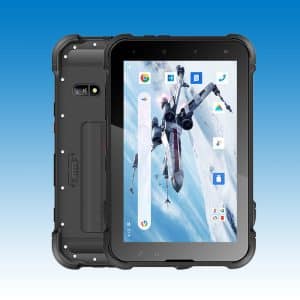
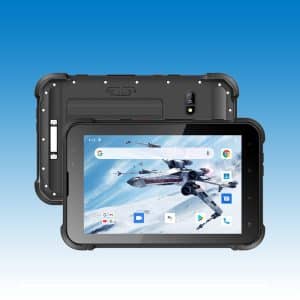
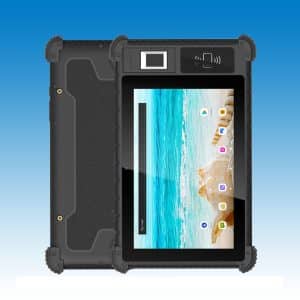
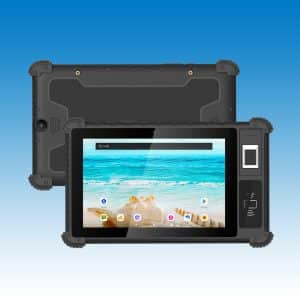
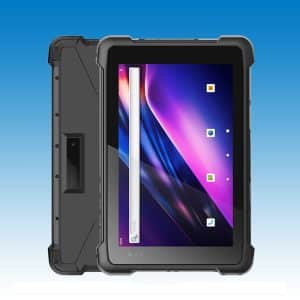
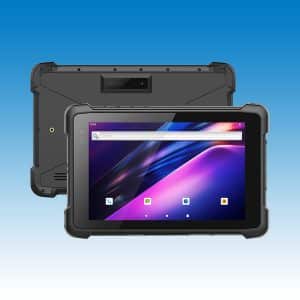
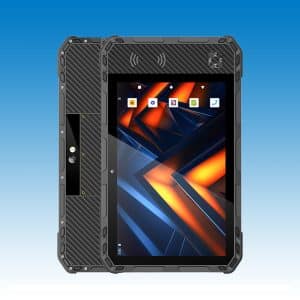
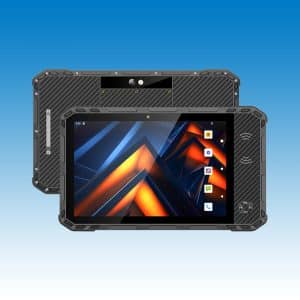
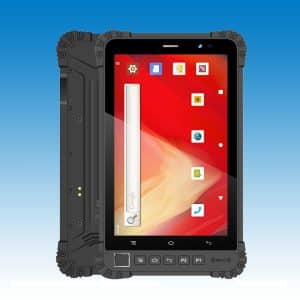
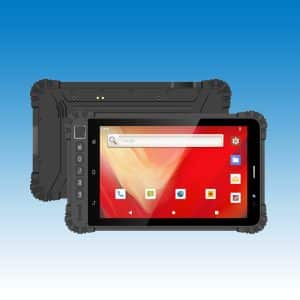
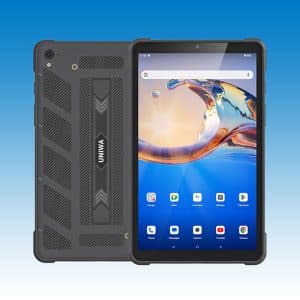
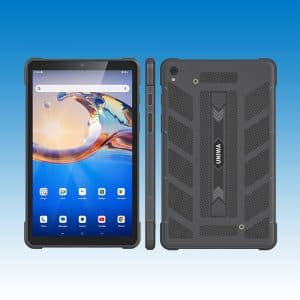
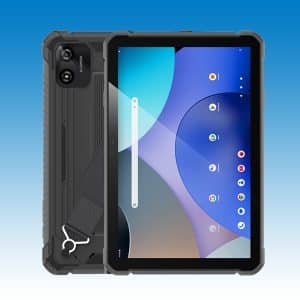
Ulefone RugKing Pad Pro 8.68″ Rugged Tablet Android 16 4G Dual SIM eSIM 7100mAh Battery GPS NFC uSmart IP68 90Hz HD+ Gorilla Glass Display
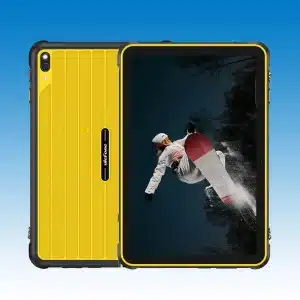
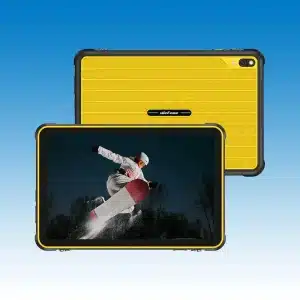
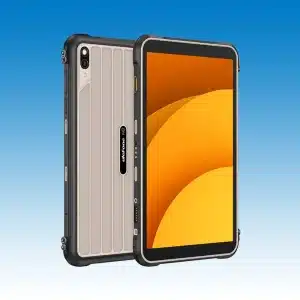
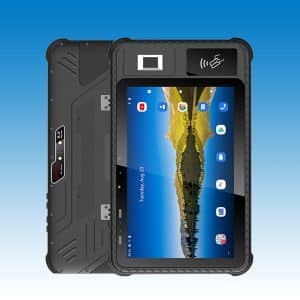
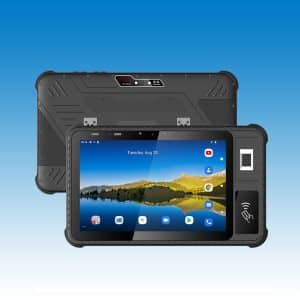
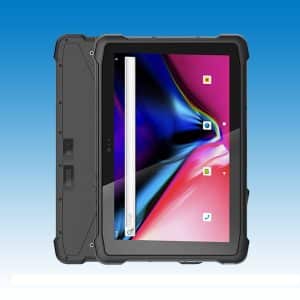
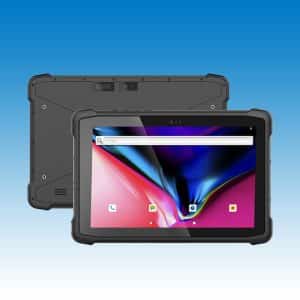
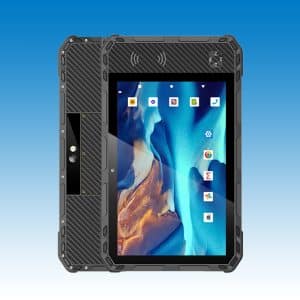
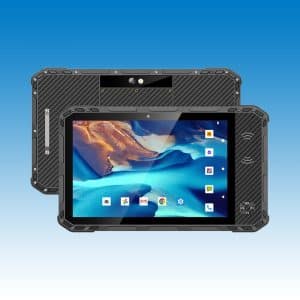
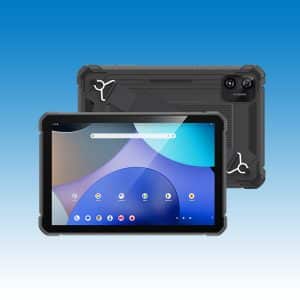
Ulefone RugKing Pad 2 Pro 10.1″ 90Hz Rugged Tablet 10200mAh Battery Android 16 4G Dual SIM GPS NFC 48MP Camera IP68 Military-Grade Tablet
How to Choose a Rugged Tablet
How to Compare Rugged Tablets
Protection Claims Need Context
An IP code describes enclosure protection against solid objects and water under defined test conditions; it does not guarantee unlimited depth, saltwater resistance or damage-free operation after every impact. Drop claims need the height, surface, orientation, number of drops and configuration. Keep covers closed and follow the product manual.
Screen Size, Carry Weight and Controls
An 8-inch rugged tablet is easier to carry, mount or use one-handed. A 10- or 11-inch screen gives maps, work orders, drawings and split-screen apps more room, but the enclosure and battery can make it heavy. Check brightness for outdoor work and whether gloves, rain, a passive stylus or an active pen are actually supported.
Battery, Charging and Field I/O
A high mAh number does not by itself predict runtime. Screen brightness, cellular signal, processor load, GNSS, cameras, cold weather and accessories all matter. Compare wired charging power, pogo-pin or dock options, USB type, removable-battery availability and reverse charging. Very large batteries can also affect airline acceptance.
Android, Updates and Work Apps
Confirm the installed Android version, RAM and physical storage separately from virtual memory marketing. For company deployment, check app compatibility, security-update policy, enrollment requirements, kiosk software and whether barcode, NFC or serial accessories need a vendor SDK.
Need faster mobile data? Compare 5G rugged tablets. For inspection work, see thermal rugged tablets.
Match the Tablet to the Job
- Construction and field service: prioritize outdoor visibility, glove controls, GNSS, camera documentation, a secure grip and vehicle or shoulder mounting.
- Warehousing and logistics: look for front NFC, barcode options, programmable keys, reliable Wi-Fi and charging docks that match the workflow.
- Utilities and inspection: compare sensor or camera requirements, accessory ports, all-day power and whether a thermal model is needed.
- Outdoor navigation: balance screen size, GNSS support, battery, cellular bands and total carry weight; keep offline maps and independent safety equipment.
Find the Tablet That Fits the Job
- Confirm the exact size, weight and regional model.
- Verify the protection and drop claims rather than relying on the word “rugged.”
- Check carrier bands, SIM/eSIM support, Wi-Fi and GNSS requirements.
- Confirm included charger, mount, hand strap, stylus and other accessories.
- Review current stock, shipping, warranty and return terms.
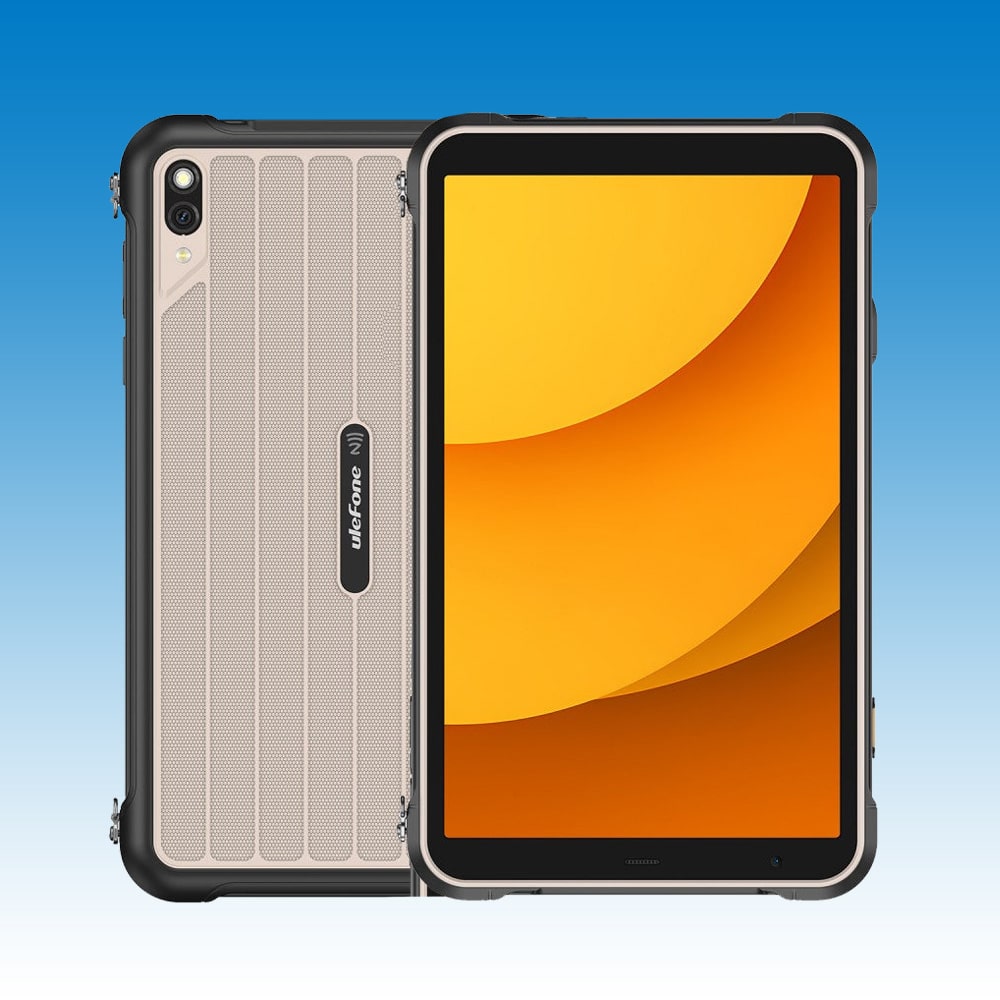
Representative tablets: Ulefone RugKing Pad Pro Rugged Tablet | AGM PAD P3 Compact Rugged Tablet | FOSSiBOT DT2 Rugged Tablet | OSCAL SPIDER 10 Rugged Tablet 11-Inch FHD+ IPS Display | Blackview Active 8 Pro Rugged Tablet.
Use the RuggedZone product comparison tool. Before ordering, review current shipping, warranty and return information.
Rugged Tablets Chosen for Work You Can Picture
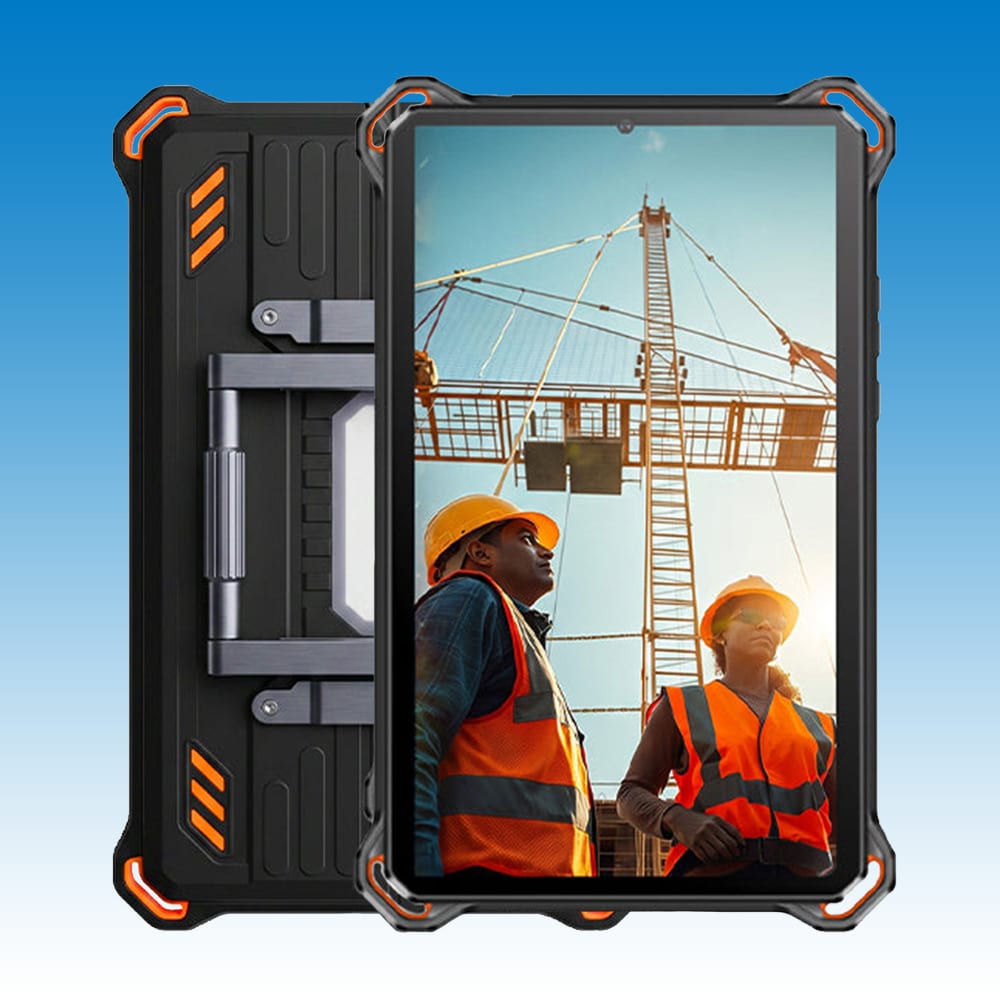
We arrange rugged tablets around real field choices: how much screen you need, how you will carry or mount it, and which apps or connections must be available. That is more useful than treating every reinforced tablet as the same product.
For a team order, let the people doing the work try the exact size. Their feedback on gloves, glare, grip and weight can quickly separate the best everyday option from the biggest specification list.
Rugged Tablets for Work and Field Use FAQs
A rugged tablet is a touchscreen computer built with a reinforced, sealed enclosure and documented environmental protection claims for field or industrial use. Protection varies by model, so compare exact specifications.
An 8-inch tablet is usually the most comfortable for walking routes or one-handed checks. A 10- or 11-inch model gives forms, maps and drawings more room, so choose the larger size when screen space saves more time than the extra weight costs.
Eight-inch models are easier to carry and mount; 10- and 11-inch models provide more room for maps, forms and drawings. Compare the complete dimensions and weight, not screen size alone.
Most are designed with a reinforced body already, which keeps the setup simpler. A fitted hand strap, shoulder strap or screen protector can still improve daily handling, especially in vehicles or on ladders.
Some displays offer glove or wet-touch modes, but performance varies with glove material and thickness. Verify the model specification and test it with the intended PPE.
Many support 4G or 5G data and dual SIM, but voice calling, eSIM and carrier features vary. Confirm bands, services and the regional variant before ordering.
Runtime depends on screen brightness, signal, apps, GNSS, cameras, temperature and battery condition. Use capacity for comparison, then check charging speed and workload-specific claims.
Often, but mounts and powered docks are model-specific. Check dimensions, attachment points, vibration requirements, power input and whether the mount is included.
They can be, especially with NFC, barcode accessories, programmable keys and docks. Confirm scanner type, app or SDK support, Wi-Fi performance and device-management needs.
Try the exact tablet with your apps, SIM, Wi-Fi, VPN, scanner and mount. A short field test quickly reveals whether screen brightness, glove use, charging and carry weight suit the people doing the job.
No. Virtual memory uses storage and does not perform like physical RAM. Compare the stated physical RAM and storage before considering expansion claims.
A rugged tablet adds a reinforced and sealed enclosure plus documented environmental protection claims. Compare the exact tests, weight and service needs instead of relying on appearance.
Need Help Choosing a Rugged Tablet?
Tell our team where the tablet will be used, which apps must run and whether it will be carried, mounted or shared. We can help you narrow the screen size, connectivity and specialist features without making you decode every specification alone.
- Share your country and carrier when cellular data matters.
- List any scanner, NFC, stylus, dock or vehicle-mount requirement.
- For team orders, tell us the normal shift length and charging routine.