







WORLDWIDE SHIPPING
Check eligibility and delivery details

RETURNS INFORMATION
Review the current return terms

CUSTOMER SUPPORT
Contact our team for product and order help

SECURE CHECKOUT
Protected payment and checkout options

















Wireless Charging Rugged Phones
Compare rugged phones with verified wireless charging support, including charging power, coil alignment, pad compatibility and wired alternatives.
Wireless Charging Rugged Phones — Easy Power Without Opening a Port
Who it’s for: Drivers, desk-to-field workers and anyone who charges several times a day may appreciate the convenience of a pad. It is also handy when you want to reduce repeated handling of a sealed USB cover.
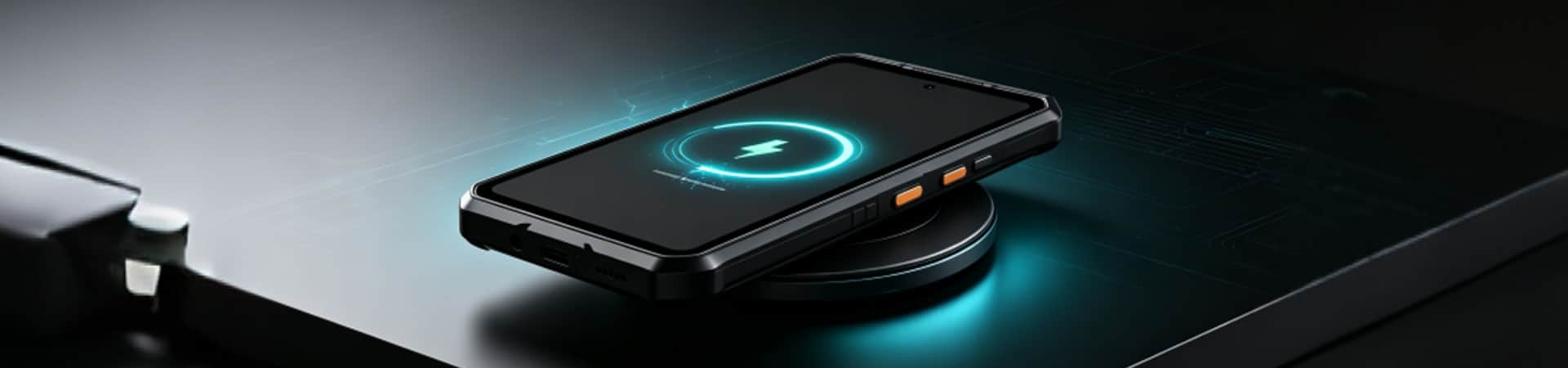
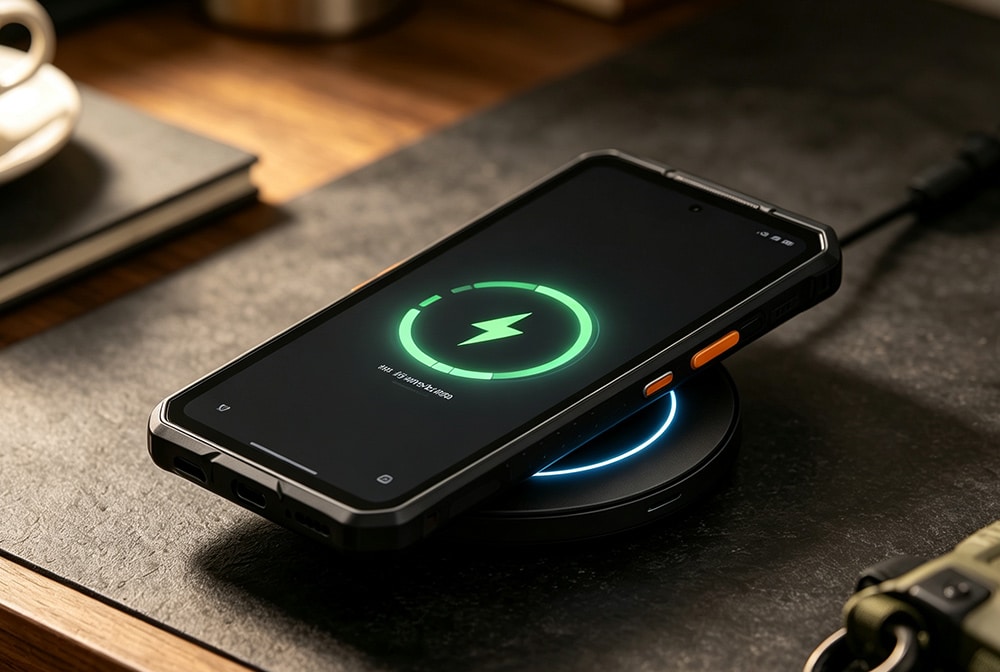
A wireless charging rugged phone receives power through a compatible charging pad without inserting a cable into the phone for every charge. This can reduce routine port handling at a desk, vehicle or workbench, but the phone still needs correct alignment, a compatible standard and sufficient charger power.
This collection contains only models whose product information provides wireless-charging evidence.
Drop It on a Pad and Keep Moving
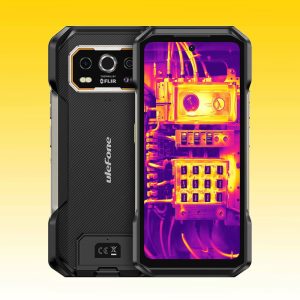
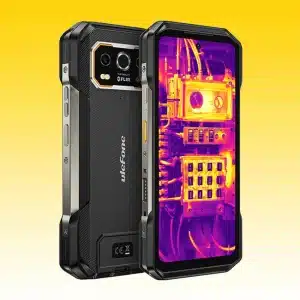
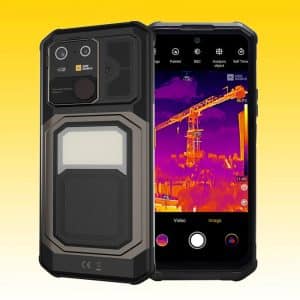
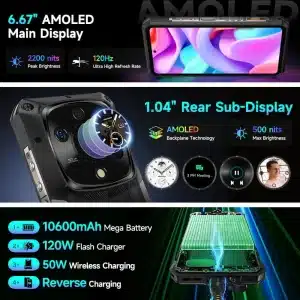
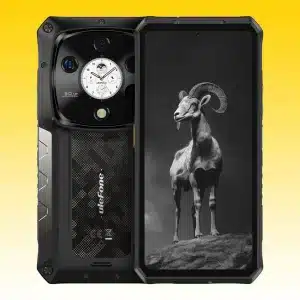
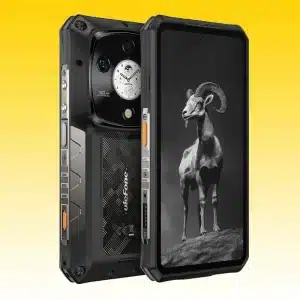
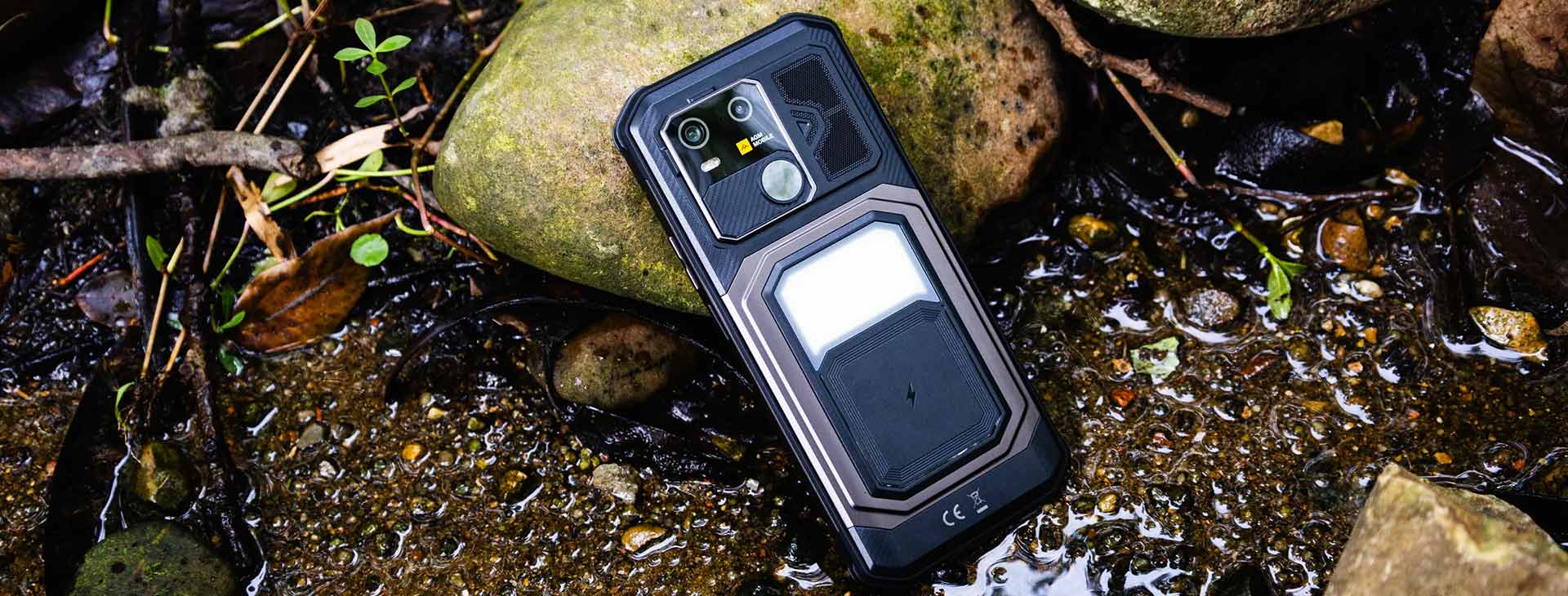
Compare Ulefone Armor 27T Pro+, Armor 28 series and AGM G3 Pro. Check the supported wireless watts, required pad, battery size and wired charging speed on each product page.
- Compatibility: verify standard, pad and adapter—not every wireless pad supplies maximum power.
- Alignment: large camera modules and thick bodies can shift coil position.
- Heat: misalignment and high power can increase temperature and reduce speed.
- Fallback: compare wired charging for fastest field turnaround.
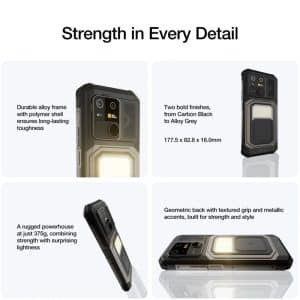
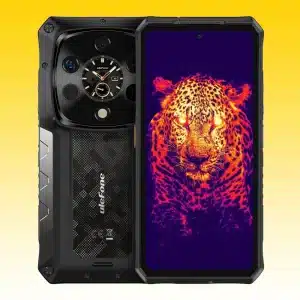
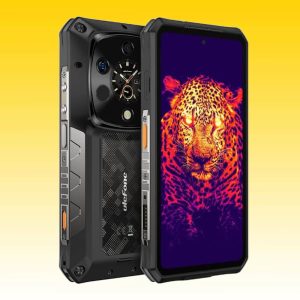
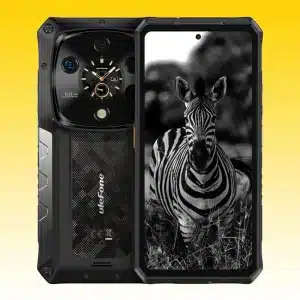
Wireless Charging Needs Alignment and Compatible Power
How Wireless Charging Works on a Rugged Phone
A charging pad creates a magnetic field that transfers energy to a receiver coil in the phone. The devices negotiate supported power and monitor temperature. The Wireless Power Consortium maintains the Qi specifications; learn more from the official WPC specification information.
Rated Watts vs. Actual Charging Speed
Actual power can be lower than the headline rating because of pad, adapter, alignment, battery level, software and heat. Charging normally slows near full. Use a product-recommended or certified pad and power supply.
Cases, Metal and Wet Conditions
Extra cases, metal plates, magnets or foreign objects can interfere or heat up. Remove incompatible accessories. Wireless charging is not permission to charge a wet phone; dry and inspect the device according to its manual.
Choose a Wireless Charging Rugged Phone
- Fast field turnaround: compare wireless watts with high-speed wired charging. Ulefone Armor 28 Pro and Armor 28 Ultra offer both options.
- Thermal inspection work: Ulefone Armor 27T Pro+ and AGM G3 Pro combine wireless charging with specialist imaging; compare the thermal module separately.
- Desk and vehicle use: verify pad size, coil alignment, mount retention and power adapter.
Build a Charging Setup That Fits Your Routine
- Confirm wireless charging in the exact model specification.
- Check supported watts and any recommended Qi pad or adapter.
- Compare wired charging, battery, heat behavior and accessory fit.
- Verify bands, dimensions, weight, variant, stock and policies.
Representative models: Ulefone Armor 28 Pro 5G Rugged Smartphone | Ulefone Armor 28 Ultra Thermal Rugged Phone | Ulefone Armor 27T Pro+ 5G Thermal Imaging Rugged Phone | AGM G3 Pro 5G Thermal Imaging Rugged Phone.
A Simpler Way to Add Wireless Charging to a Rugged Setup
This page brings wireless-power models together so the charging wattage, coil alignment and wired fallback are easy to compare. It is a practical shortcut for buyers who top up at a desk or use a charging mount in the vehicle.
If you already own a pad, tell us its model and power adapter. If you are starting fresh, choose the phone first and pair it with a stable pad that leaves room for cooling.
Wireless Charging Rugged Phones FAQs
It is a rugged smartphone with a receiver coil and controller that can accept power from a compatible wireless charging pad.
No. Rugged construction and wireless charging are separate features. Confirm wireless power support for the exact model.
The pad, adapter, alignment, supported wattage, battery level and heat can all limit power. Wired charging is often faster.
Basic compatibility may work at reduced power, but maximum speed can require a compatible pad and adapter. Follow the model recommendation.
Center the phone according to the coil position and confirm the charging indicator. A large camera bump may require repositioning.
Yes. Metal, magnets and foreign objects can block charging or heat up. Use accessories designed for wireless charging.
Do not assume it is safe. Dry and inspect the phone and charger and follow the manual, even if the phone has an IP rating.
Approved systems manage power, but battery aging is affected by heat and cycles. Good alignment and compatible equipment help control heat.
Yes if the mount, pad, adapter and phone are compatible. Confirm retention, coil position, heat and vehicle power output.
The receiving coil must line up with the pad closely enough to transfer power. A thick rugged body can make the sweet spot smaller, so use the pad’s indicator and reposition the phone if charging starts and stops.
Use wired charging when you need the fastest refill or want to use the phone heavily while it charges. Wireless pads are most convenient for frequent top-ups at a desk, bedside table or vehicle mount.
Choose a stable pad or stand with enough surface area for easy alignment, a compatible power adapter and room around the phone for heat to escape. Avoid magnetic plates that sit between the charging coils.
A USER PERSPECTIVE