






WORLDWIDE SHIPPING
Check eligibility and delivery details

RETURNS INFORMATION
Review the current return terms

CUSTOMER SUPPORT
Contact our team for product and order help

SECURE CHECKOUT
Protected payment and checkout options
















Projector Rugged Phones
Compare rugged smartphones with integrated projectors for portable presentations, campsite viewing and field reference displays.
Projector Rugged Phones — Carry a Big Screen in Your Pocket
Who it’s for: These models appeal to mobile presenters, campers, field trainers and anyone who would rather not carry a separate projector. A darker space and a smooth surface will give you the most useful image.
A projector rugged phone integrates a miniature projector into a reinforced Android smartphone, allowing the phone to display video, documents, maps or presentations on a wall or screen without a separate projector. Current models use DLP or other compact projection systems and often pair them with very large batteries.
Projection quality depends on ambient light, surface, distance, focus, native resolution and sustained brightness. A camping-light lumen figure is not a projector-brightness specification, even when both features are built into the same phone.
Share Maps, Videos and Presentations Almost Anywhere
The curated collection includes projector-verified models from 8849, Blackview, DOOGEE and Ulefone.
- Brightness: compare the stated projector lumen method, not phone flashlight output.
- Image: check native resolution, supported input resolution, focus and keystone control.
- Placement: compare throw distance, image size, tripod or stand options and exhaust clearance.
- Runtime: projection uses significant power and heat; check battery and charging.
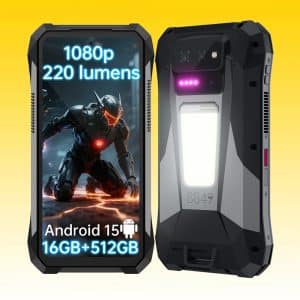
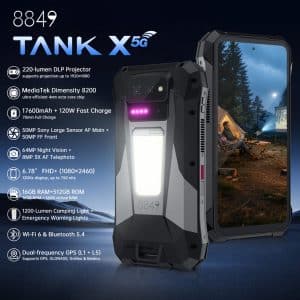
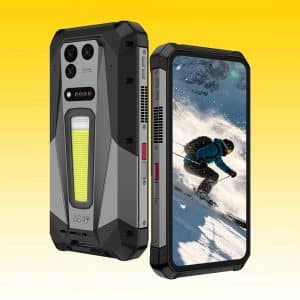
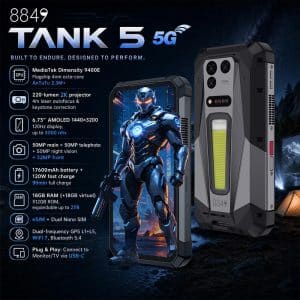
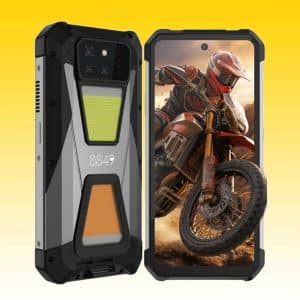
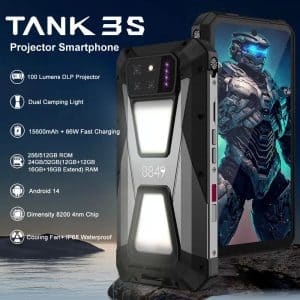
8849 TANK 3S 5G Rugged Smartphone with Built-in DLP Projector, MediaTek Dimensity 8200 Processor, 32GB + 512GB, 15600mAh, 66W Fast Charging, 6.79″ 120Hz Display
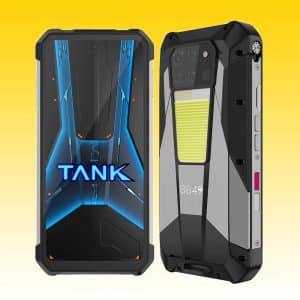
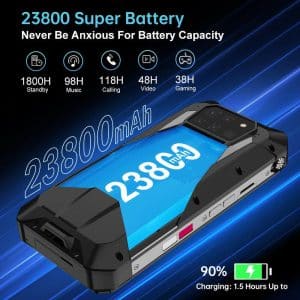
8849 TANK 3 Pro Rugged Phone with Built-in DLP Projector, MediaTek Dimensity 8200 Processor, 18GB+512GB, 23800mAh, 120W Fast Charging, 6.79” 120Hz Display
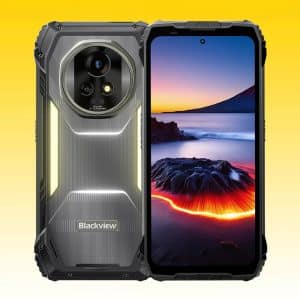
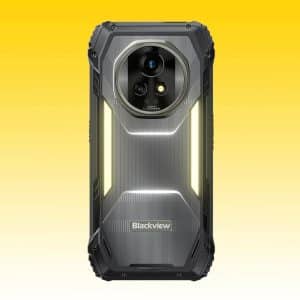
Blackview XPLORE 2 Projector 5G Rugged Phone, Android 15, MediaTek Dimensity 8300, 16GB + 1TB, 20000mAh, 120W Fast Charging, 6.73″ 3.2K AMOLED 120Hz Display
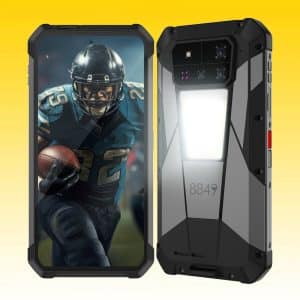
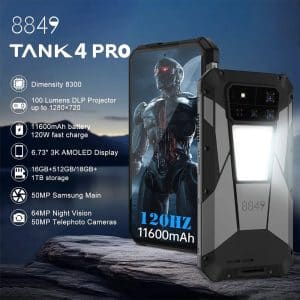
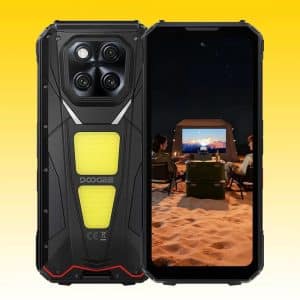
DOOGEE V Max Play 5G AI Rugged Smartphone with MediaTek Dimensity 7300, 16GB RAM + 512GB Storage, 20500mAh Battery, Built-in Projector, Dual Camping Lights
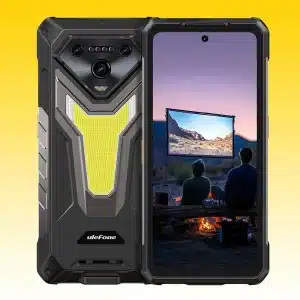
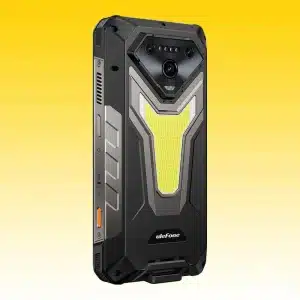
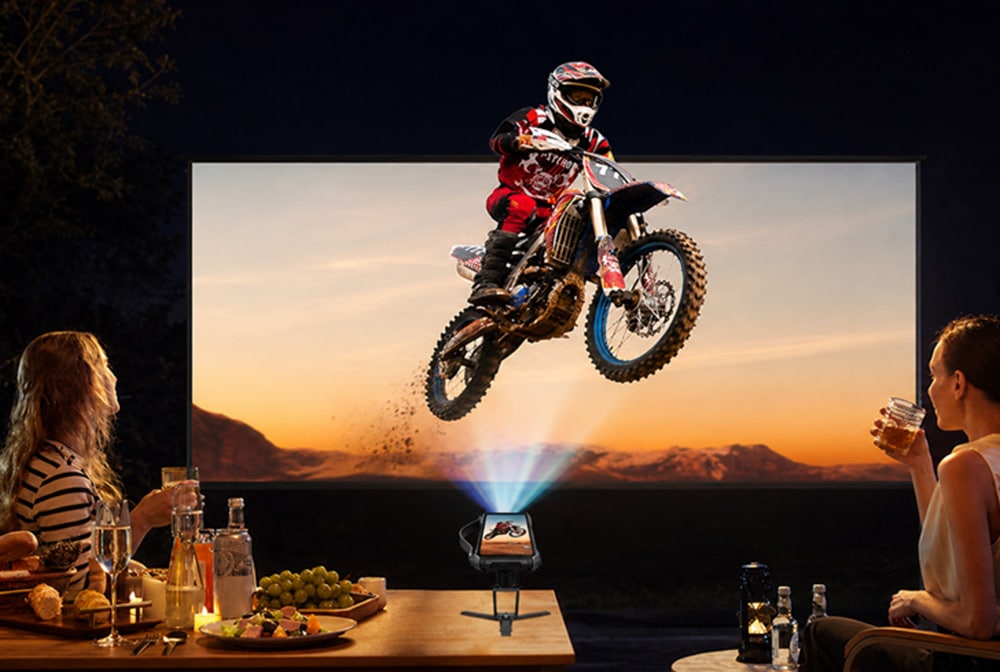
Compare the Projector, Not Only the Phone
Projector Brightness, Resolution and Throw
A usable image requires a dark enough environment and an appropriate surface. Advertised brightness may use different methods, so compare like with like and read the test conditions. Native projector resolution is more meaningful than the maximum video file resolution the phone can play.
Focus, Keystone and Image Size
Manual or automatic focus affects sharpness. Keystone correction can square an angled image but may reduce usable resolution. A larger image normally looks dimmer, so choose projection distance according to room light and audience size.
Heat and Battery Demand
Projection produces heat and can drain the battery quickly. Keep vents clear, avoid soft surfaces that trap heat and follow the maximum operating-time guidance. A built-in projector is convenient, but it does not replace a high-brightness meeting-room projector.
Choose a Projector Phone for Your Use Case
- Portable presentations: prioritize text readability, native resolution, focus and easy file output. Compare 8849 TANK 5 and TANK X.
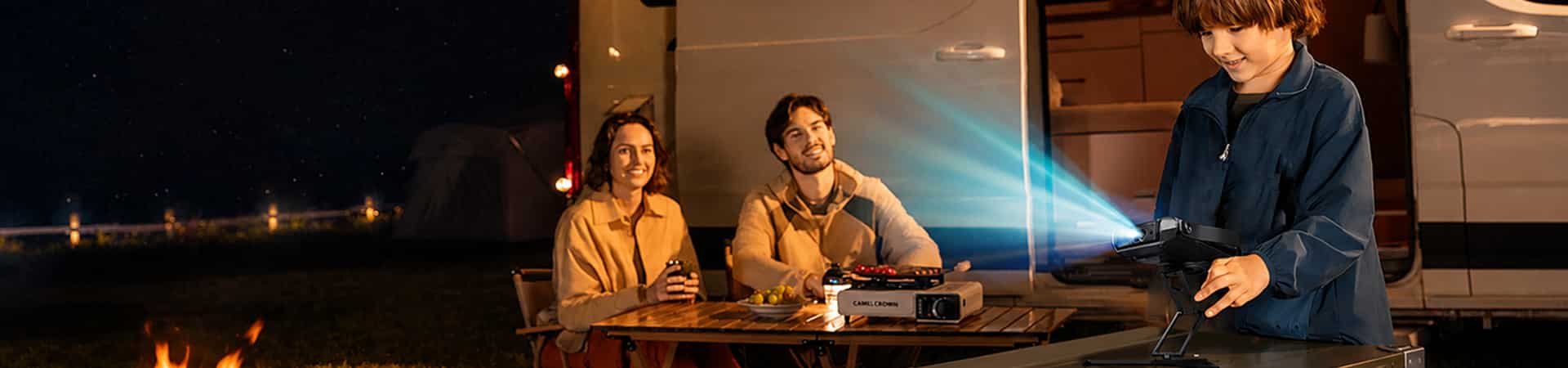
- Camping and media: consider battery, speakers, darkness and a stable stand. 8849 TANK 3S and DOOGEE V Max Play are relevant.
- Field reference: verify the image is legible at the intended distance and that the phone can open required documents offline. Blackview XPLORE 2 Projector and Ulefone Armor 34 Pro+ expand the brand choices.
Match the Projector to the Room
- Confirm a genuine built-in projector or DLP module.
- Check projector-specific brightness and native resolution.
- Review focus, throw, image size, keystone, runtime and heat guidance.
- Compare phone bands, storage, battery, dimensions, weight and stock.
Representative models: 8849 TANK X 5G Rugged Smartphone | 8849 TANK 5 5G Rugged Smartphone | Blackview XPLORE 2 Projector Rugged Phone | DOOGEE V Max Play 5G AI Rugged Smartphone.
Make the Built-In Projector Work for Your Plans
RuggedZone gathers phones with genuine projection hardware so you can compare the parts that shape the picture: native resolution, focus, throw, brightness and battery. This saves you from sorting through camping-light specifications that use similar marketing language.
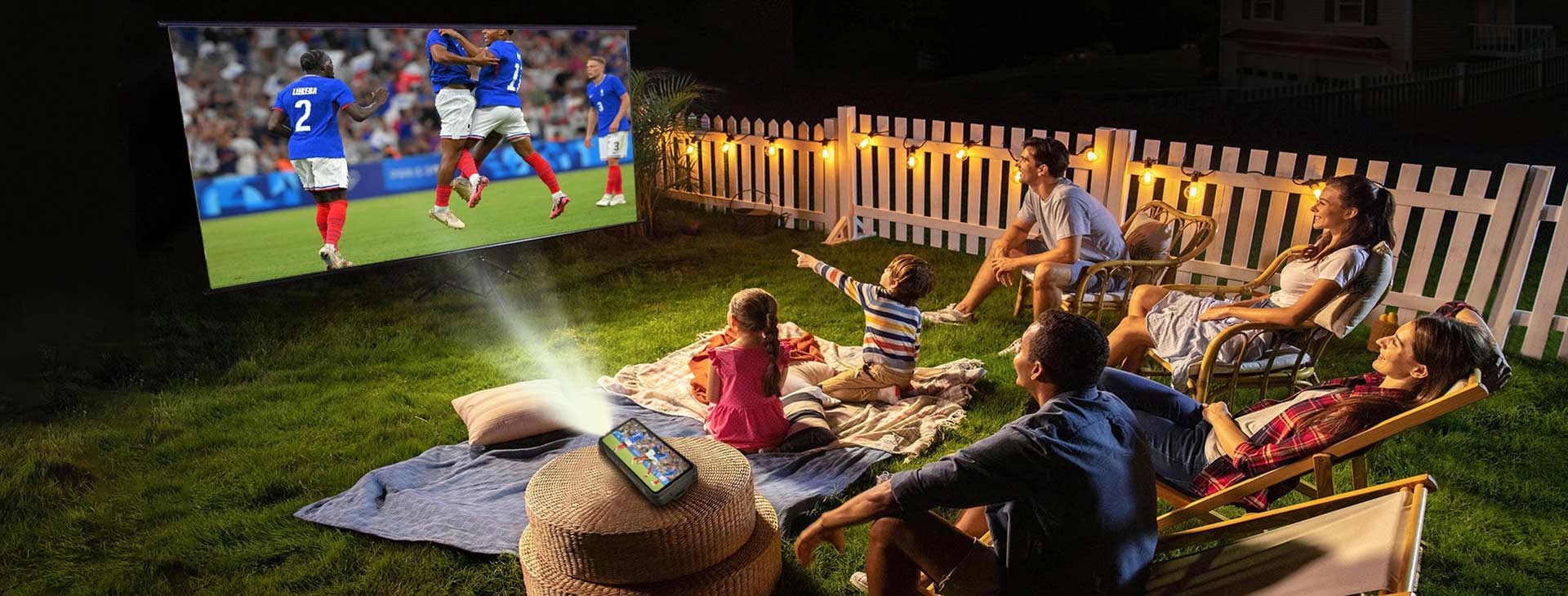
A compact projector phone shines in darker rooms, tents and evening setups. Choose a model around the text or video you want to show, then plan a stable surface and charging option.
Projector Rugged Phones FAQs
It is a rugged Android smartphone with an integrated projection module for displaying content on a wall or screen.
No. They describe different optical systems and may use different measurement methods. Compare the projector’s stated brightness only with comparable projector measurements.
Small built-in projectors generally perform best in dark or dim spaces. Ambient light reduces contrast and visible image size.
Compare native projector resolution first. Supported video resolution does not mean the projector physically displays that many pixels.
It depends on throw distance, focus and room light. A larger image normally becomes dimmer, so the maximum advertised size may not be the most usable.
Some do and others require manual focus. Check focus and keystone features for the exact model.
Projection is power-intensive. Runtime varies with brightness, battery, temperature, speakers, screen and network use.
Model support varies and combined charging and projection can increase heat. Follow the product guidance and keep vents clear.
It may work for portable or small-group use, but brightness, optics and connectivity are usually below a dedicated meeting-room projector.
Native resolution and accurate focus are the starting points. Keep the image to a sensible size, use a smooth light-colored surface and reduce room light for clearer documents and slides.
Not always, but less ambient light produces a clearer, higher-contrast picture. For daytime or bright rooms, use a smaller image and the darkest available area; a phone projector is at its best after dusk or with lights lowered.
Some warmth is normal because projection uses both the light engine and processor. Keep the vents clear, avoid soft surfaces that trap heat and use a stable stand so the phone can cool as designed.
A USER PERSPECTIVE