





WORLDWIDE SHIPPING
Check eligibility and delivery details

RETURNS INFORMATION
Review the current return terms

CUSTOMER SUPPORT
Contact our team for product and order help

SECURE CHECKOUT
Protected payment and checkout options
Choose the Right Thermal Imaging Format
RuggedZone separates Thermal Zone products by hardware format so each collection stays relevant:
- Thermal rugged phones: integrated thermal imaging in a pocketable reinforced smartphone.
- Smartphone thermal cameras: removable infrared modules for compatible Android or iOS devices.
- Thermal imaging tablets: integrated sensing with a larger screen for inspection records and team review.
Start with the required detector and measurement workflow, then compare device compatibility, battery, protection, size and total field kit.
Thermal Imaging Tablets
Compare thermal-equipped rugged tablets by detector specifications, display, 5G, battery, protection and field documentation workflow.
Thermal Imaging Tablets — A Larger View for Better Field Decisions
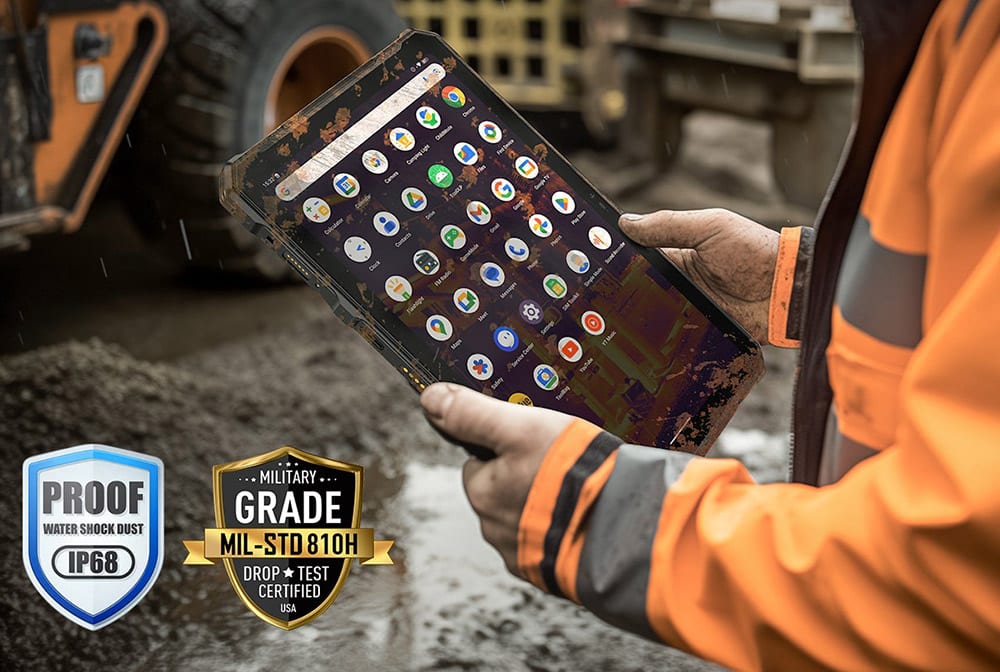
Who it’s for: Inspection teams, utilities and maintenance crews will value the larger screen when several people need to view, annotate or discuss a thermal image. These models also leave more room for forms, maps and reporting apps.
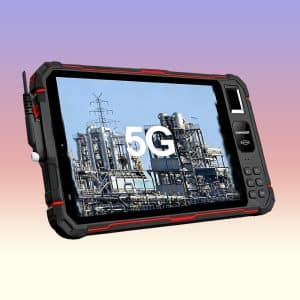
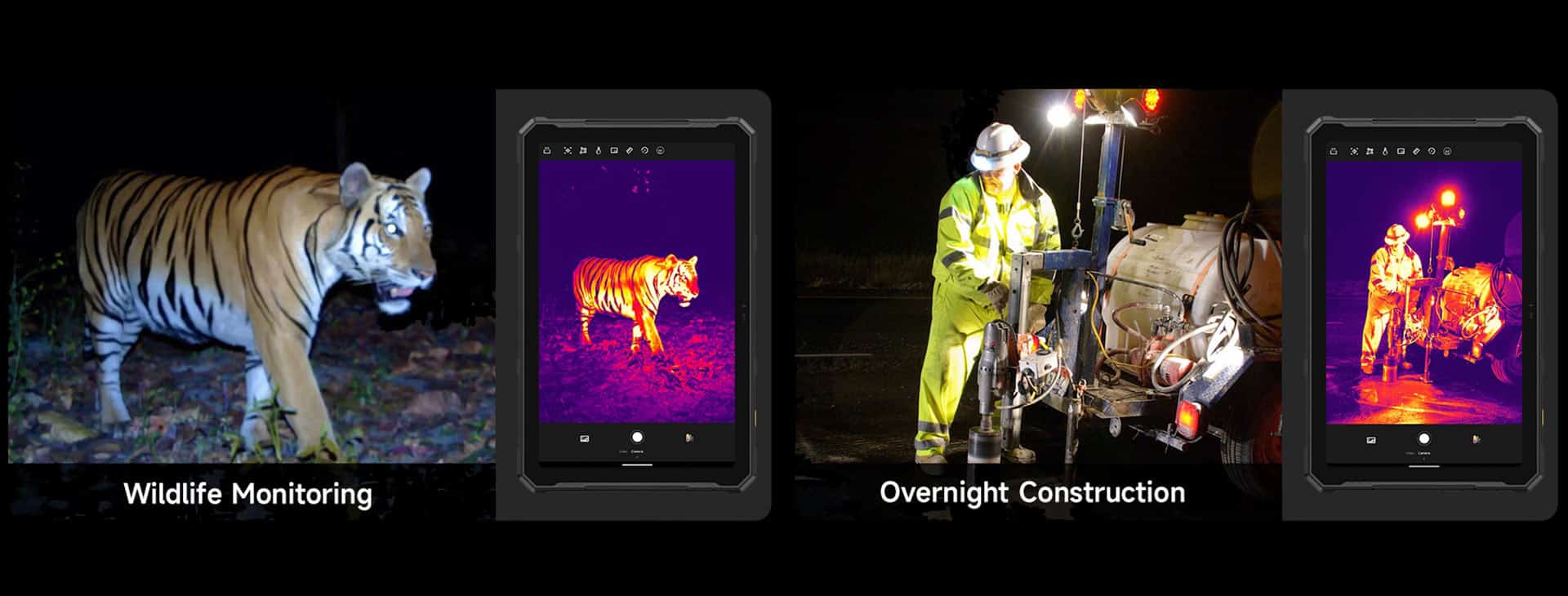
Thermal imaging tablets combine an integrated infrared detector with a larger rugged Android display. They let field teams view heat patterns, complete forms, add notes and share inspection evidence on one device. This Thermal Zone page is limited to thermal-equipped tablet products and does not pull ordinary tablets or phone-category products.
A rugged tablet with a thermal camera can support HVAC, electrical, mechanical, building and equipment checks where a larger screen improves framing, collaboration or documentation. It remains a surface-imaging tool: it does not see through walls, and it should not replace a calibrated instrument, safe work procedure or qualified interpretation when temperature decisions are critical.
Bring Thermal Checks and Work Documents Together
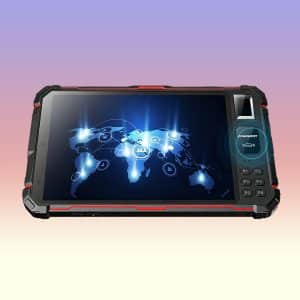
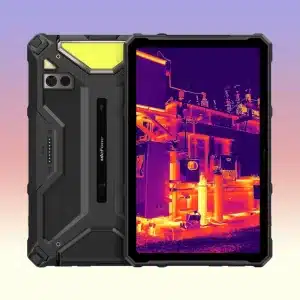
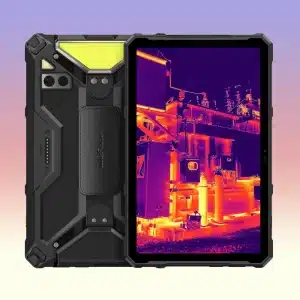
The product grid is sourced only from the Thermal Rugged Tablet collection. Current options include the Ulefone Armor Pad 4 Ultra Thermal and a thermal-configurable CONQUEST S22. Confirm that the exact ordered variant includes the thermal module before purchase.
- Larger viewing area: inspect thermal detail and complete field records on the same screen.
- Integrated workflow: avoid a loose external sensor and connector during mobile work.
- Thermal evidence: compare native resolution, NETD, refresh rate, range, accuracy conditions and file options.
- Deployment fit: verify network bands, battery, charging, mount, accessories, protection, dimensions and weight.
How to Choose a Thermal Imaging Tablet
Thermal Imaging Tablet Specifications That Matter
Native Detector Resolution and Sensitivity
The thermal detector resolution is separate from the tablet display resolution and visible-camera megapixels. More native pixels can reveal smaller patterns at a given distance. NETD indicates the ability to distinguish small temperature differences; compare it only when test methods are similar.
Range, Accuracy, Focus and Refresh Rate
Temperature range must cover the target, but a wider range does not automatically mean better accuracy or detail. Read the conditions attached to accuracy claims. Field of view, focus distance, refresh rate, spot or area meters, palettes and radiometric file support affect the real inspection workflow.
Emissivity, Reflections and Distance
Thermal measurement depends on the visible surface. Emissivity, reflected temperature, distance, viewing angle and ambient conditions can change the result; shiny metal is especially difficult. Consult the product guidance and FLIR guidance on emissivity and surface-temperature measurements.
Choose a Thermal Tablet for the Inspection Workflow
- General field thermography and 5G reporting: review the Ulefone Armor Pad 4 Ultra Thermal 5G, including the stated 160×120 detector, then confirm sensitivity, range, app tools, bands and exact regional variant.
- Industrial configurable deployment: the CONQUEST S22 family can be configured with thermal imaging. Obtain written confirmation that the quoted unit includes the required module, certifications, bands and accessories.
Build a Thermal Tablet Workflow That Travels
- Confirm the exact SKU contains the integrated thermal detector.
- Verify native resolution, NETD, refresh rate, temperature range, accuracy statement, optics and measurement tools.
- Check whether saved files are radiometric and compatible with the required analysis or reporting workflow.
- Confirm Android, physical RAM, storage, apps, 4G/5G bands, Wi-Fi, GNSS and security requirements.
- Review screen, battery, charging, IP/drop evidence, dimensions, weight, mounts, accessories, stock and delivery.
Use the RuggedZone comparison tool for the two current options. For fleet purchases, pilot the exact thermal-equipped variant with the intended apps, network, PPE and field procedure before a bulk order.
A Larger Thermal Workspace for Teams in the Field
These integrated tablets combine infrared imaging with more room for maps, forms and on-site discussion. We present the thermal system alongside the tablet hardware so the choice reflects the whole inspection workflow.
For repeat work, think about file naming, annotations and transfer as well as the live image. A smooth reporting step is often what makes the larger device worthwhile.
Thermal Imaging Tablet FAQs
It is a tablet with an integrated infrared detector that displays heat patterns and, when supported, measures surface temperatures while running mobile field apps.
No. Thermal imaging maps emitted or reflected infrared energy from surfaces. Night vision creates a visible-style image in darkness and does not provide a temperature map.
No. It normally images the visible surface. A pattern may suggest a hidden condition, but it is not a view through the material and must be confirmed.
Compare native detector pixel resolution, not the tablet display or normal camera megapixels. Required detail depends on target size, optics and working distance.
NETD is a sensitivity measure. A lower stated value generally indicates the detector can distinguish smaller temperature differences under comparable test conditions.
Materials emit and reflect infrared energy differently. Incorrect emissivity or reflected-temperature settings can make readings misleading, especially on shiny metal.
No. A radiometric file preserves measurement data; a screenshot may preserve only colors. Check the exact tablet app and export format.
No. 5G can help upload files or support remote review, but it does not change detector resolution, sensitivity, optics or calibration.
Yes. The larger display is one of the main reasons to choose a tablet, making it easier to point out a pattern, add notes and agree on the next check while still on site.
Choose consistent measurement tools, saved radiometric data where available and an app workflow your team can repeat. Use similar distance, angle and settings when comparing the same asset over time.
It makes the image easier to view and discuss, but detector resolution sets the captured thermal detail. Compare the detector separately from the display resolution.
Choose a tablet for a larger screen, forms and team review, or a phone for pocketable one-device use. Compare weight, battery, detector and workflow requirements.
Need Help Choosing a Thermal Device?
Tell us what you want to inspect, the typical distance and whether you prefer a phone, tablet or plug-in camera. We can help turn that real use case into a shorter list of detector, app and device features.
- Share your phone model for plug-in camera compatibility questions.
- Describe the smallest or most distant target you need to see.
- Let us know whether images must be annotated, exported or shared from the field.