







WORLDWIDE SHIPPING
Check eligibility and delivery details

RETURNS INFORMATION
Review the current return terms

CUSTOMER SUPPORT
Contact our team for product and order help

SECURE CHECKOUT
Protected payment and checkout options
Choose the Right Thermal Imaging Format
RuggedZone separates Thermal Zone products by hardware format so each collection stays relevant:
- Thermal rugged phones: integrated thermal imaging in a pocketable reinforced smartphone.
- Smartphone thermal cameras: removable infrared modules for compatible Android or iOS devices.
- Thermal imaging tablets: integrated sensing with a larger screen for inspection records and team review.
Start with the required detector and measurement workflow, then compare device compatibility, battery, protection, size and total field kit.
Smartphone Thermal Cameras
Compare compact infrared modules for Android and iOS by detector resolution, NETD, frame rate, lens, range, connector and app compatibility.
Smartphone Thermal Cameras — Add Heat Vision to the Phone You Know
Who it’s for: Plug-in thermal cameras suit technicians, homeowners and makers who want an infrared view without replacing their current compatible phone. They are easy to carry and quick to connect for occasional or route-based checks.
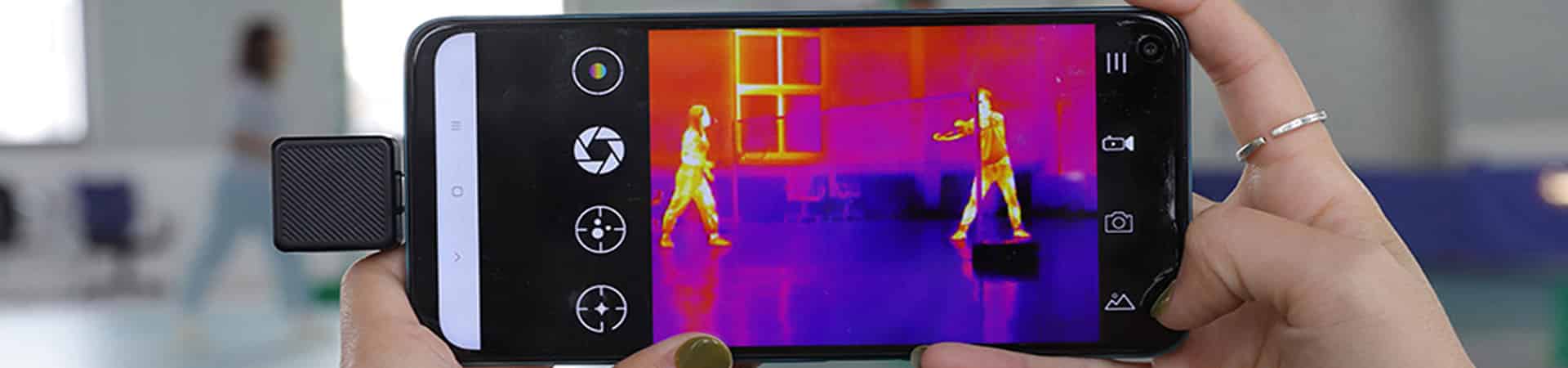
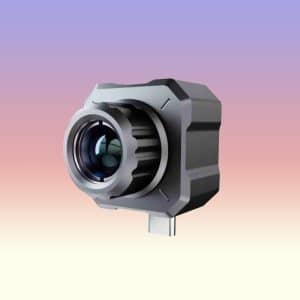
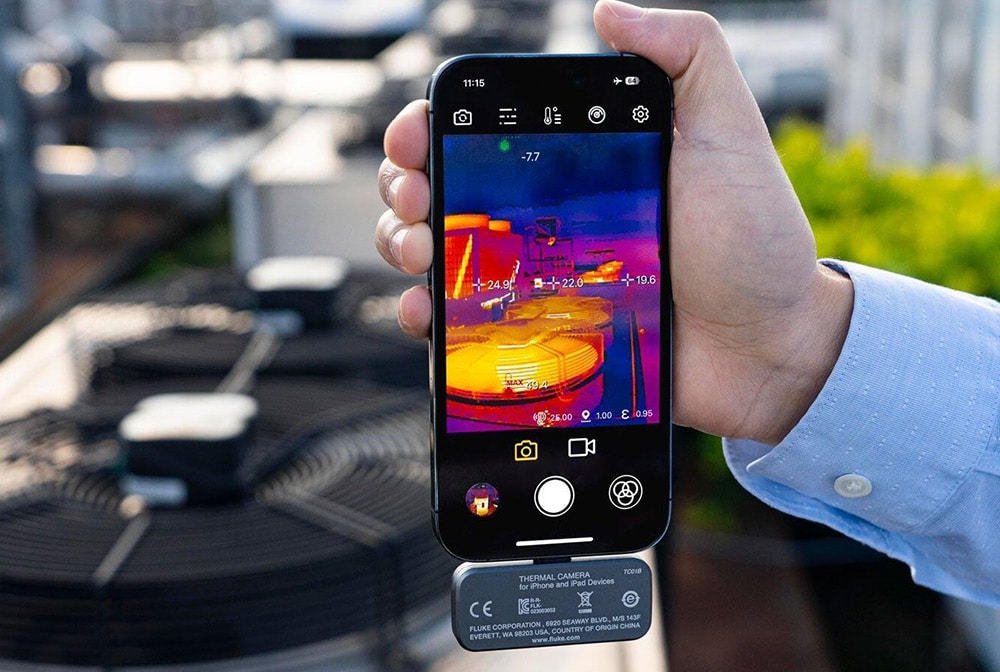
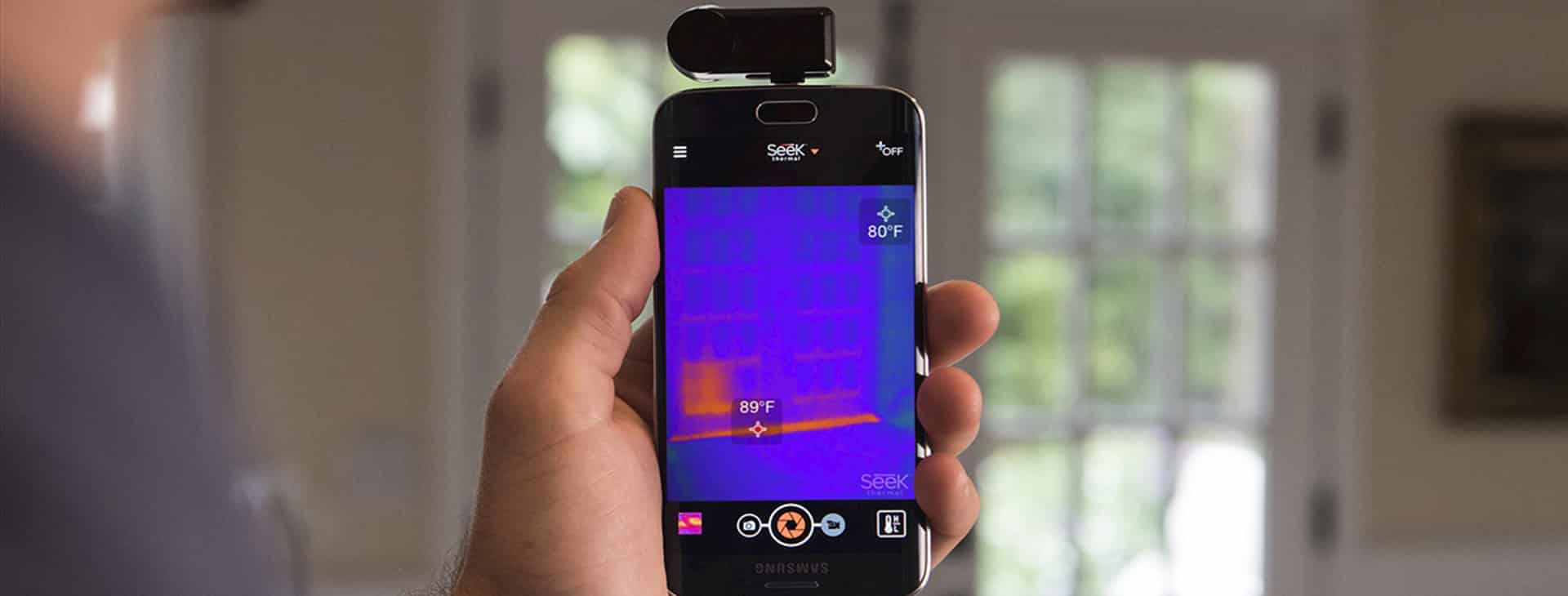
Smartphone thermal cameras are compact infrared modules that connect to a compatible phone or tablet and turn its screen into a thermal-imaging display. This collection contains plug-in thermal cameras from InfiRay, Xinfrared, HTI, MILESEEY and NOYAFA—not ordinary phone cameras, night-vision lenses or integrated rugged smartphones.
A phone thermal camera can be a flexible choice for HVAC checks, electronics troubleshooting, building diagnostics, mechanical inspection and outdoor observation. The module provides the infrared detector while the mobile app handles palettes, spot measurements, recording and export. Compatibility, connector clearance and app support must be checked for the exact phone before purchase.
A Compact Thermal Tool for Quick Checks and Clear Records
The product grid is sourced only from the Smartphone Thermal Camera collection. Current models include compact 160×120, 240×180, 256×192 and 384×288 options, but resolution alone does not determine suitability. Compare NETD, frame rate, optics, temperature range, measurement tools, connector, operating system and working distance.
- Reuse your phone: add thermal imaging without replacing the complete handset.
- Compact kit: many modules are pocket-sized, but protect the detector and connector during transport.
- App workflow: verify live measurement, palettes, notes, image formats and export options.
- Compatibility first: confirm Android or iOS support, USB-C or Lightning version, case clearance and required permissions.
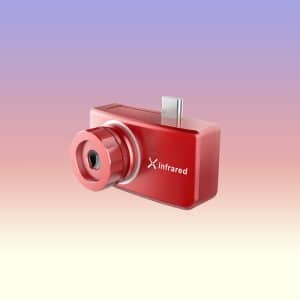
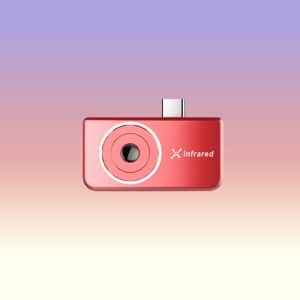
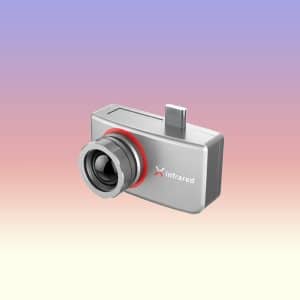
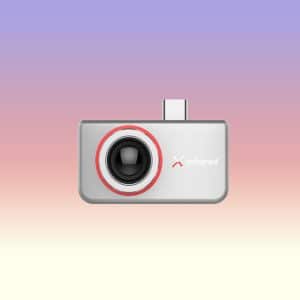
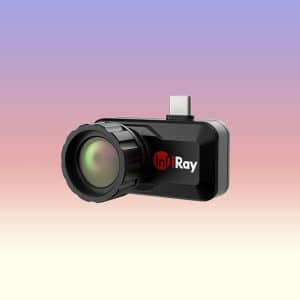
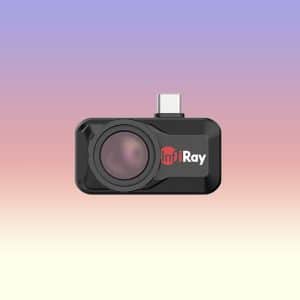
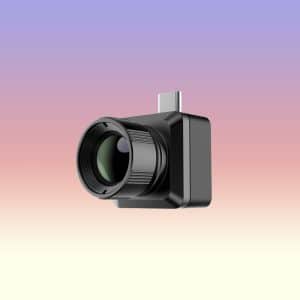
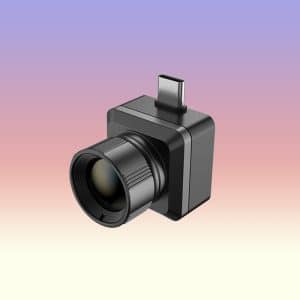
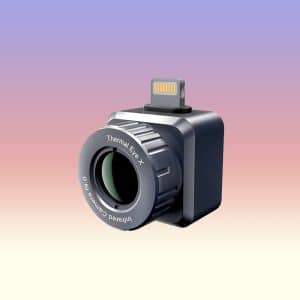
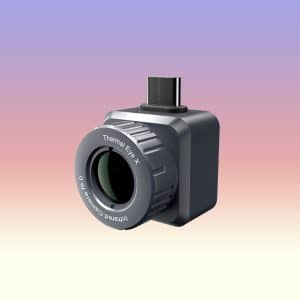
Xinfrared XH09 Smartphone Thermal Camera 256×192 50Hz Long Range Infrared Imager with 9mm Lens 15X Zoom for Outdoor Inspection
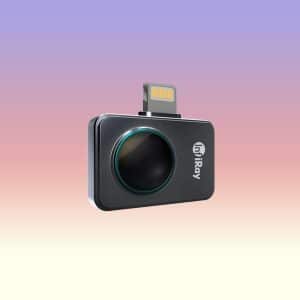
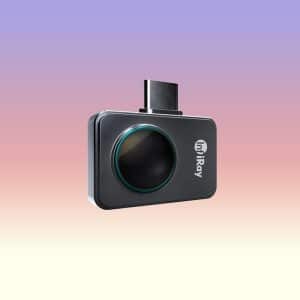
InfiRay P2 Pro Smartphone Thermal Camera for Android/IOS with 256×192 Infrared Resolution, 25Hz Frame Rate, 600°C High Temperature Measurement and 9g Ultra-Compact Design
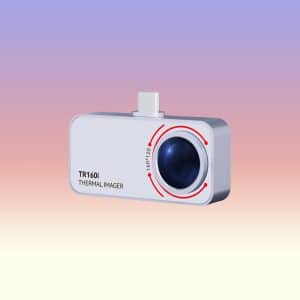
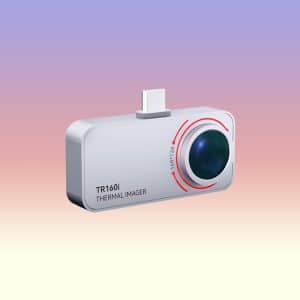
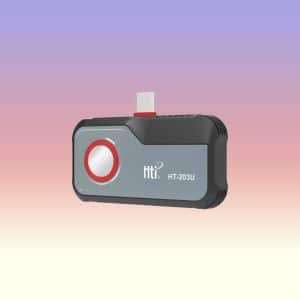
How to Choose a Smartphone Thermal Camera
How to Compare a Smartphone Thermal Camera
Connector, Operating System and App Support
Do not assume every USB-C phone supports every thermal module. Check the exact Android or iOS version, connector orientation, USB host or OTG requirement, product app availability and phone-model compatibility list. A thick case may stop the connector from seating fully; an approved extension cable can reduce strain where the product guidance supports one.
Detector Resolution, NETD and Frame Rate
Native detector resolution controls the number of measured thermal pixels. NETD indicates sensitivity to small temperature differences, while frame rate affects the smoothness of scanning and moving targets. Compare specifications under similar test conditions and distinguish detector data from software interpolation.
Lens, Field of View and Focus
A wide field of view helps inspect rooms, panels and nearby equipment. A narrower or macro-oriented lens can show smaller targets but needs different working distance and focusing technique. Some modules have fixed focus; others include manual focus or interchangeable macro accessories.
Match the Thermal Module to the Job
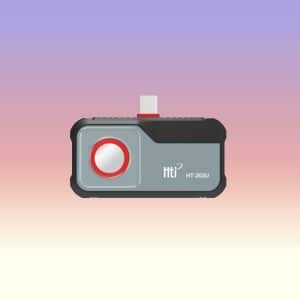
- Compact general inspection: compare the InfiRay P2 Pro, HTI HT-203U and MILESEEY TR160i for portability, detector specifications, range and compatibility.
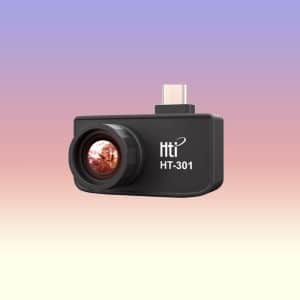
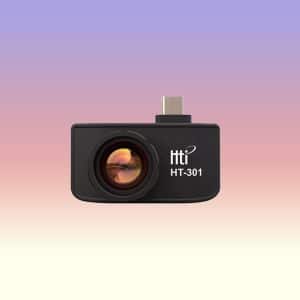
- Higher-detail work: compare the 384×288-class InfiRay T3S, InfiRay T3 and HTI HT-301; verify optics, focus, NETD and supported app functions.
- Longer working distance or outdoor observation: compare lens and field-of-view options such as the Xinfrared XH09 and Xinfrared T2 Pro. Detection distance is not the same as accurate temperature measurement distance.
Match the Module to Your Phone and Task
- Confirm Android or iOS support, connector type, OTG requirement and app availability.
- Verify native resolution, NETD, frame rate, lens, field of view, focus, range and accuracy conditions.
- Check whether the app supports emissivity adjustment, spot or area tools, alarms, recording and radiometric export.
- Review size, weight, cable or extension support, case clearance, storage protection and phone power use.
- Use a calibrated professional instrument and qualified procedure when regulations or critical decisions require one.
Add Thermal Imaging Without Replacing Your Phone
Our plug-in thermal camera collection gives compatible Android and iPhone users a compact way to see and record heat patterns. By keeping these modules separate, connector and app compatibility are easier to understand before you compare image specifications.
Send us your phone model, connector and operating-system version if you are unsure. That simple compatibility check can save more time than comparing every detector number first.
Smartphone Thermal Camera FAQs
It is a compact infrared detector that connects to a compatible phone or tablet. A mobile app displays heat patterns and, when supported, surface-temperature measurements.
No. Thermal imaging detects infrared energy related to surface temperature. Night vision forms a visible-style image in darkness and does not create a thermal measurement map.
No. Verify the phone model, Android version, USB host or OTG support, connector orientation, app availability and case clearance before buying.
Only models and connector variants explicitly listed for the relevant iOS device. Check Lightning or USB-C compatibility and current app support for the exact iPhone.
The required native detector resolution depends on target size and distance. Higher resolution can reveal finer detail, but sensitivity, optics, focus and software are also important.
NETD describes thermal sensitivity. A lower stated value generally means the detector can distinguish smaller temperature differences when test conditions are comparable.
Not by itself. A higher frame rate produces smoother motion and scanning, while accuracy depends on the detector, calibration, settings, target and environment.
No. It measures infrared energy from the visible surface. Surface patterns may suggest a hidden issue, but interpretation and confirmation are required.
Reflective low-emissivity surfaces are difficult because they reflect surrounding thermal energy. Follow the product guidance method and use appropriate high-emissivity reference techniques when needed.
Yes, the module and continuous screen use consume phone power. Actual drain depends on the camera, phone, app, brightness and recording time.
Often, yes. A thick case can stop the connector from seating fully. A slim case or a supported short extension may help, but the most reliable setup is a direct, secure connection.
Yes, especially if you already own a compatible phone and need a compact tool for occasional checks. An integrated rugged phone is the better choice when thermal imaging is part of every workday.
Need Help Choosing a Thermal Device?
Tell us what you want to inspect, the typical distance and whether you prefer a phone, tablet or plug-in camera. We can help turn that real use case into a shorter list of detector, app and device features.
- Share your phone model for plug-in camera compatibility questions.
- Describe the smallest or most distant target you need to see.
- Let us know whether images must be annotated, exported or shared from the field.