






WORLDWIDE SHIPPING
Check eligibility and delivery details

RETURNS INFORMATION
Review the current return terms

CUSTOMER SUPPORT
Contact our team for product and order help

SECURE CHECKOUT
Protected payment and checkout options
Choose the Right Thermal Imaging Format
RuggedZone separates Thermal Zone products by hardware format so each collection stays relevant:
- Thermal rugged phones: integrated thermal imaging in a pocketable reinforced smartphone.
- Smartphone thermal cameras: removable infrared modules for compatible Android or iOS devices.
- Thermal imaging tablets: integrated sensing with a larger screen for inspection records and team review.
Start with the required detector and measurement workflow, then compare device compatibility, battery, protection, size and total field kit.
Thermal Rugged Phones
Compare integrated infrared detectors, thermal resolution, sensitivity, battery, 5G bands and rugged field hardware for inspection work.
Thermal Rugged Phones — Fast Heat Checks from One Field Device
Who it’s for: These integrated phones are made for technicians and outdoor professionals who want thermal imaging in the same device they use for calls, photos and job apps. They are the most pocketable option in our Thermal Zone.
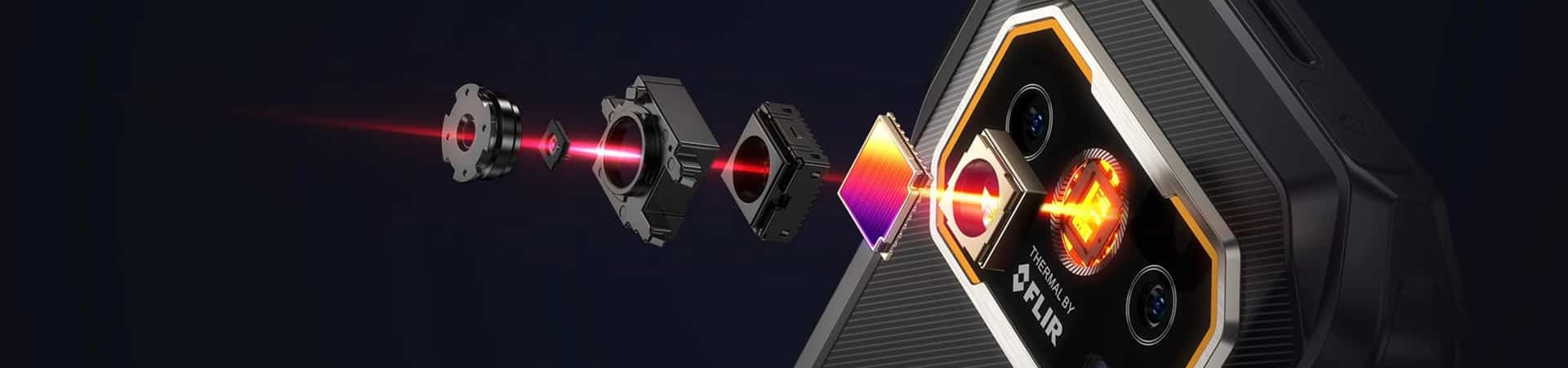
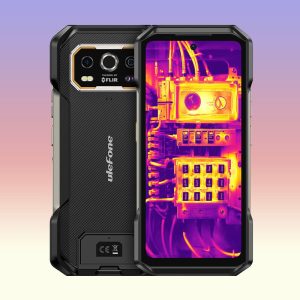
Thermal rugged phones are reinforced Android smartphones with an integrated infrared detector. They display surface-temperature patterns as a thermogram while keeping calls, field apps, GPS, photos and reporting in one device. This Thermal Zone collection is limited to rugged phones offered with true thermal imaging—not night-vision-only phones or ordinary camera effects.
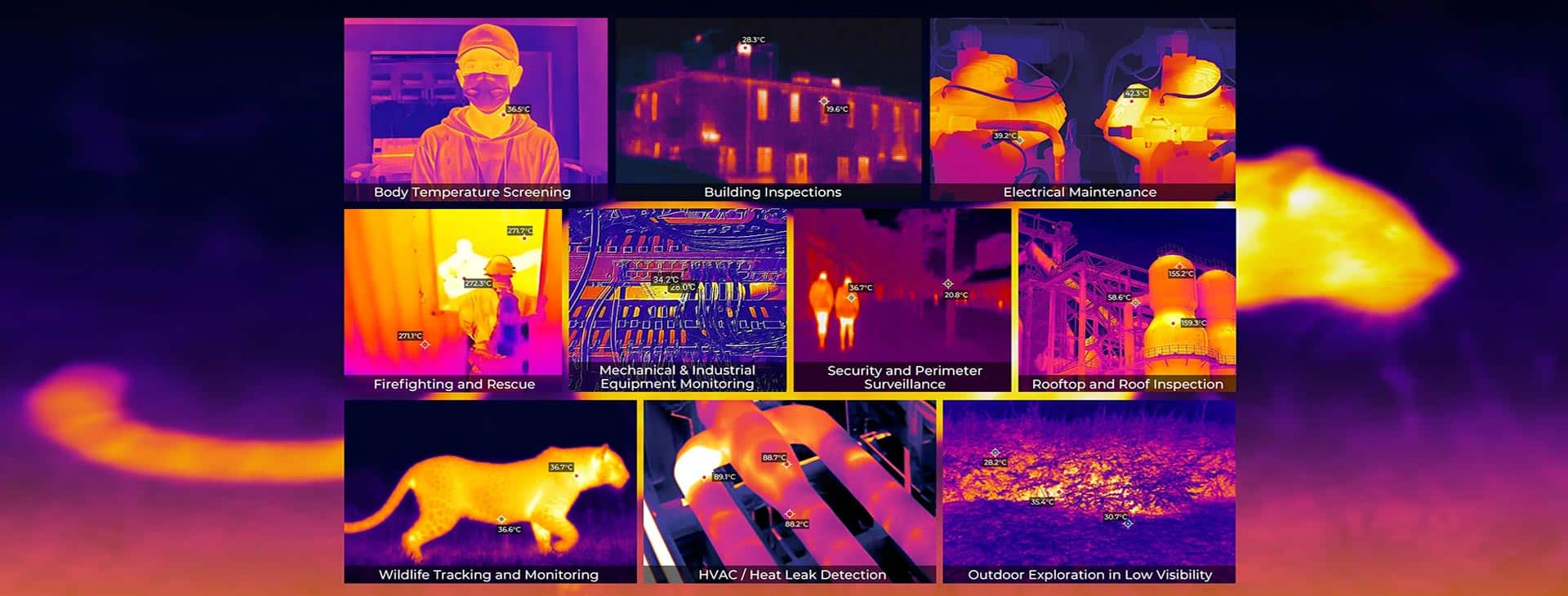
An integrated thermal camera phone suits fast first-level checks in HVAC, electrical, mechanical, building, vehicle and outdoor work. It can help a trained user locate an unusual heat pattern and document what needs further investigation. It does not see through walls, and it should not replace a calibrated instrument, safe isolation procedure or qualified diagnosis when the decision is critical.
Scan, Record and Share While You’re Still on Site
Compare current thermal-equipped models from Ulefone, OUKITEL, AGM, Blackview, DOOGEE, IIIF150, OSCAL and CONQUEST. The product grid is sourced only from the Thermal Rugged Phone collection. Choose an integrated model when you want the fastest one-device workflow from inspection to annotated photo and message.
- Integrated workflow: scan, save, annotate and share without attaching a separate sensor.
- Thermal evidence: compare native detector resolution, NETD, refresh rate, measurement range and stated accuracy.
- Field hardware: review the exact IP rating, drop information, screen brightness, glove use and charging plan.
- Connectivity: verify LTE and 5G bands for the intended country and carrier before ordering.
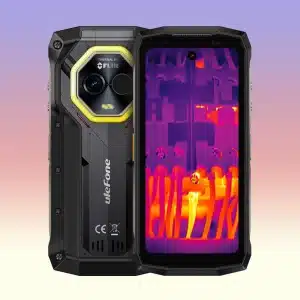
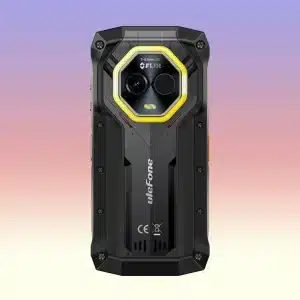
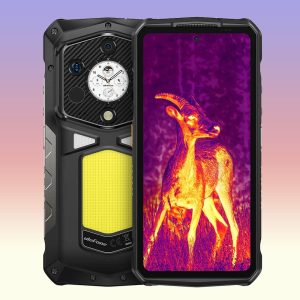
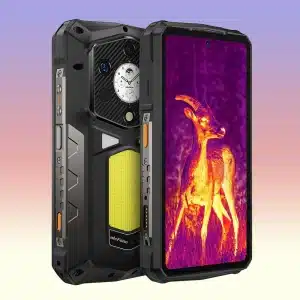
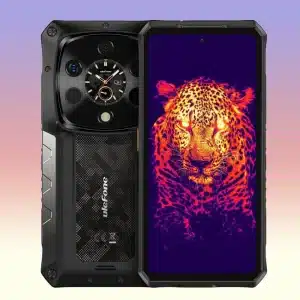
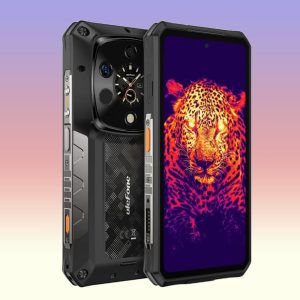
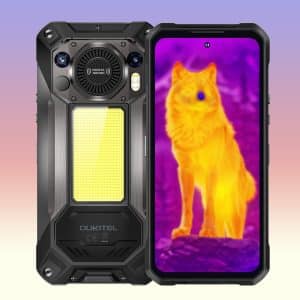
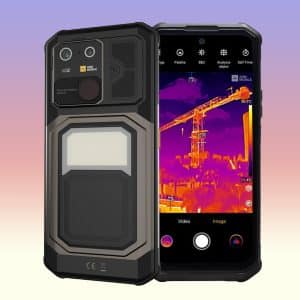
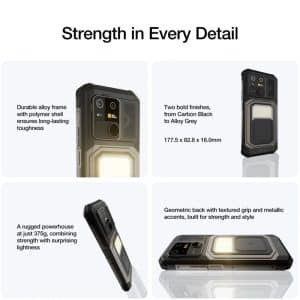
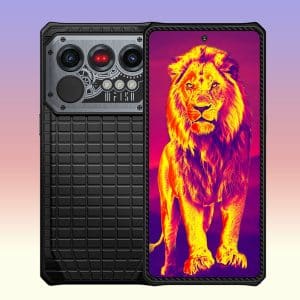
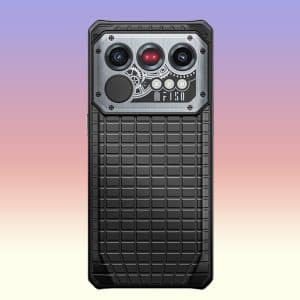
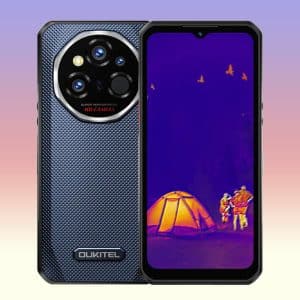
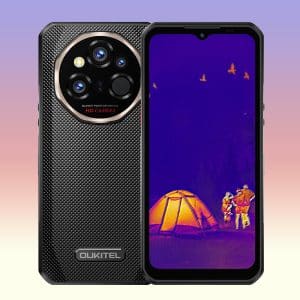
OUKITEL WP55 Ultra 5G Thermal Imaging Rugged Phone with MediaTek Dimensity 7025 Processor, 16GB+ 512GB, 6.6″ FHD+ 120Hz Display, 11000mAh Battery
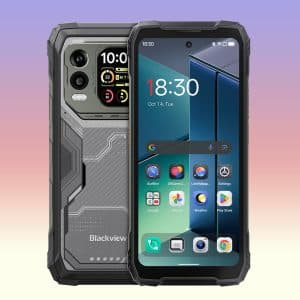
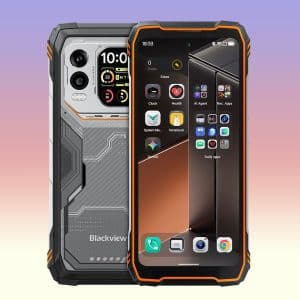
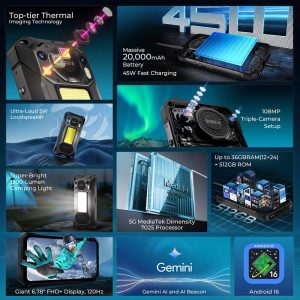
Blackview XPLORE 1 Pro 5G Thermal Imaging Rugged Smartphone with MediaTek Dimensity 7050 Processor, 16GB+512GB, 20000mAh Battery, 6.78″ FHD+ 120Hz Dual Display
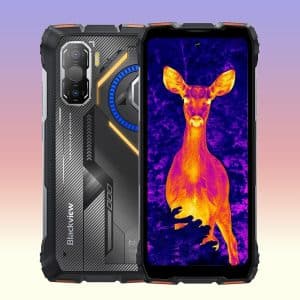
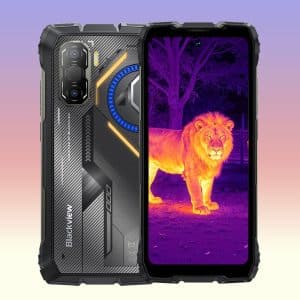
Blackview ROCK 3 Thermal lmaging Rugged Phone with MediaTek Helio G100 Processor, 8GB+256GB, 10000mAh Battery, 6.78″ FHD+ 120Hz Display
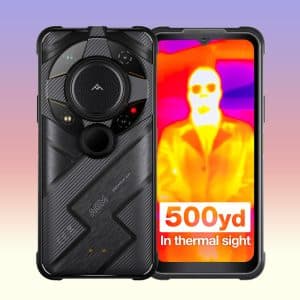
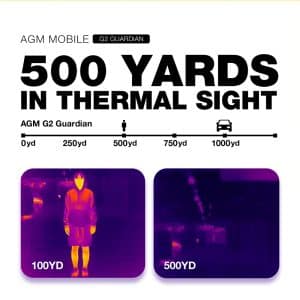
AGM G2 Guardian 5G Thermal Imaging Rugged Phone with Qualcomm QCM6490 Processor, 12GB+256GB Storage, 7000mAh Battery, 6.58″ FHD+ 120Hz Display
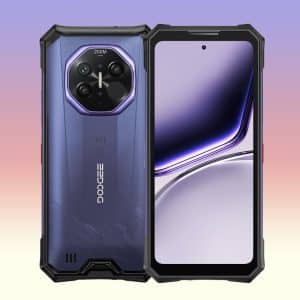
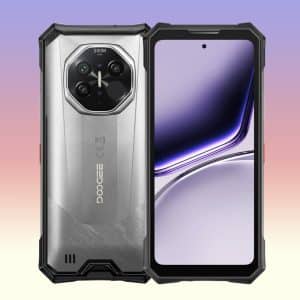
DOOGEE S300 Plus Thermal 5G Rugged Smartphone with MediaTek Dimensity 8300 Processor, 12GB + 1TB, AI 1440×1080 Thermal Imaging, 11000mAh Battery, 66W Fast Charging
How to Choose a Thermal Rugged Phone
How to Compare Thermal Rugged Phones
True Thermal Imaging vs Night Vision
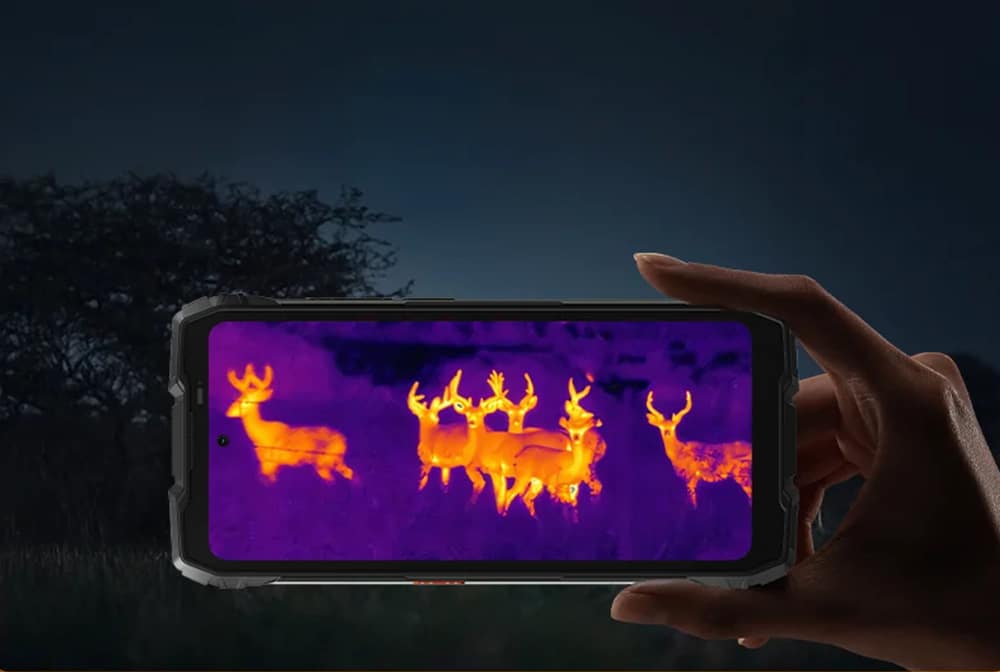
Thermal imaging detects long-wave infrared energy from visible surfaces and maps apparent temperature differences. Infrared night vision illuminates a dark scene to create a visible-style image; it does not provide a temperature map. Some rugged phones contain both systems, so check the thermal detector rather than relying on the word “infrared” alone.
Detector Resolution, NETD and Refresh Rate
Native thermal resolution describes the detector pixel count, not the normal camera megapixels or an AI-enlarged output. More native pixels can reveal smaller targets at a given distance. NETD describes sensitivity to small temperature differences; a lower stated value is generally more sensitive when test conditions are comparable. Refresh rate affects how smoothly the display responds while scanning or viewing movement.
Choose a Thermal Phone for the Work
- Detailed industrial checks: compare the Ulefone Armor 28 Ultra Thermal, AGM G3 Pro and DOOGEE S300 Plus Thermal, then verify native thermal specifications and software for the exact variant.
- Long shifts and remote routes: compare large-battery options such as the OUKITEL WP61 Ultra, Blackview XPLORE 1 Pro and Ulefone Armor 29 Pro Thermal; balance capacity against size, weight and charging time.
- Portable everyday inspection: compare the compact Ulefone Armor Mini 20T Pro with full-size alternatives, including screen, controls, battery and working distance.
Choose the Thermal Detail Your Work Needs
- Confirm that the selected model and variant includes a real thermal detector.
- Verify native resolution, NETD, refresh rate, range, accuracy conditions, focus and measurement tools.
- Check physical RAM separately from expansion claims, plus Android version, storage and update information.
- Confirm 4G/5G bands, SIM support and carrier compatibility for the destination region.
- Review size, weight, battery, charging, IP/drop evidence, accessories, stock and delivery terms.
One Device from Heat Check to Shared Report
The integrated phones in this Thermal Zone are for fast, repeatable field checks without plugging in another camera. We keep the detector, app workflow, battery and connectivity together so you can judge the complete working tool.
For frequent routes, prioritize a comfortable grip and quick capture process. For smaller or more distant targets, put more emphasis on native detector detail and focus.
Thermal Rugged Phone FAQs
It is a reinforced smartphone with an integrated infrared thermal detector. It displays surface-temperature patterns while also providing Android apps, calls, GPS, cameras and mobile data.
No. Thermal imaging maps surface heat patterns. Infrared night vision forms a visible-style image in darkness and does not create a temperature map.
No. It normally measures infrared energy from the visible surface. A surface pattern may suggest a hidden condition, but it is not a view through the wall and requires confirmation.
Compare native detector resolution, NETD or sensitivity, refresh rate, measurement range, stated accuracy, field of view, focus and software tools.
Accuracy depends on the sensor and conditions including emissivity, reflected temperature, distance, angle and ambient temperature. Check the exact model statement and use a calibrated instrument for critical decisions.
No. Confirm native thermal resolution rather than an enlarged or AI-enhanced output. Sensitivity, optics, focus, calibration and software are also important.
It can support preliminary screening and documentation, but it does not replace training, PPE, safe approach distances, isolation procedures or an approved measurement method.
Yes, thermal imaging does not require visible light. Performance still depends on target temperature contrast, distance, optics, atmosphere and the detector.
Continuous thermal imaging, a bright display, GPS and mobile data increase power use. Compare capacity and charging speed and test runtime with the intended workflow.
You can scan, photograph, annotate and send a finding without attaching another device. That saves setup time during a route and keeps the thermal tool available whenever the phone is in your pocket.
Balance detector detail with battery, charging speed and body weight. If you scan frequently, a bright screen and comfortable grip can matter just as much as the headline battery capacity.
Choose an integrated phone for one-device portability, a plug-in camera to reuse an existing compatible phone, or a tablet for a larger screen and form-based field workflow.
Need Help Choosing a Thermal Device?
Tell us what you want to inspect, the typical distance and whether you prefer a phone, tablet or plug-in camera. We can help turn that real use case into a shorter list of detector, app and device features.
- Share your phone model for plug-in camera compatibility questions.
- Describe the smallest or most distant target you need to see.
- Let us know whether images must be annotated, exported or shared from the field.